AI Call Center Transcription for Customer Support and Sales Teams
Turn customer support calls, sales conversations, and contact center interactions into searchable transcripts, structured summaries, sentiment analysis, and action-ready insights.
 Rated 4.7/5 5/5
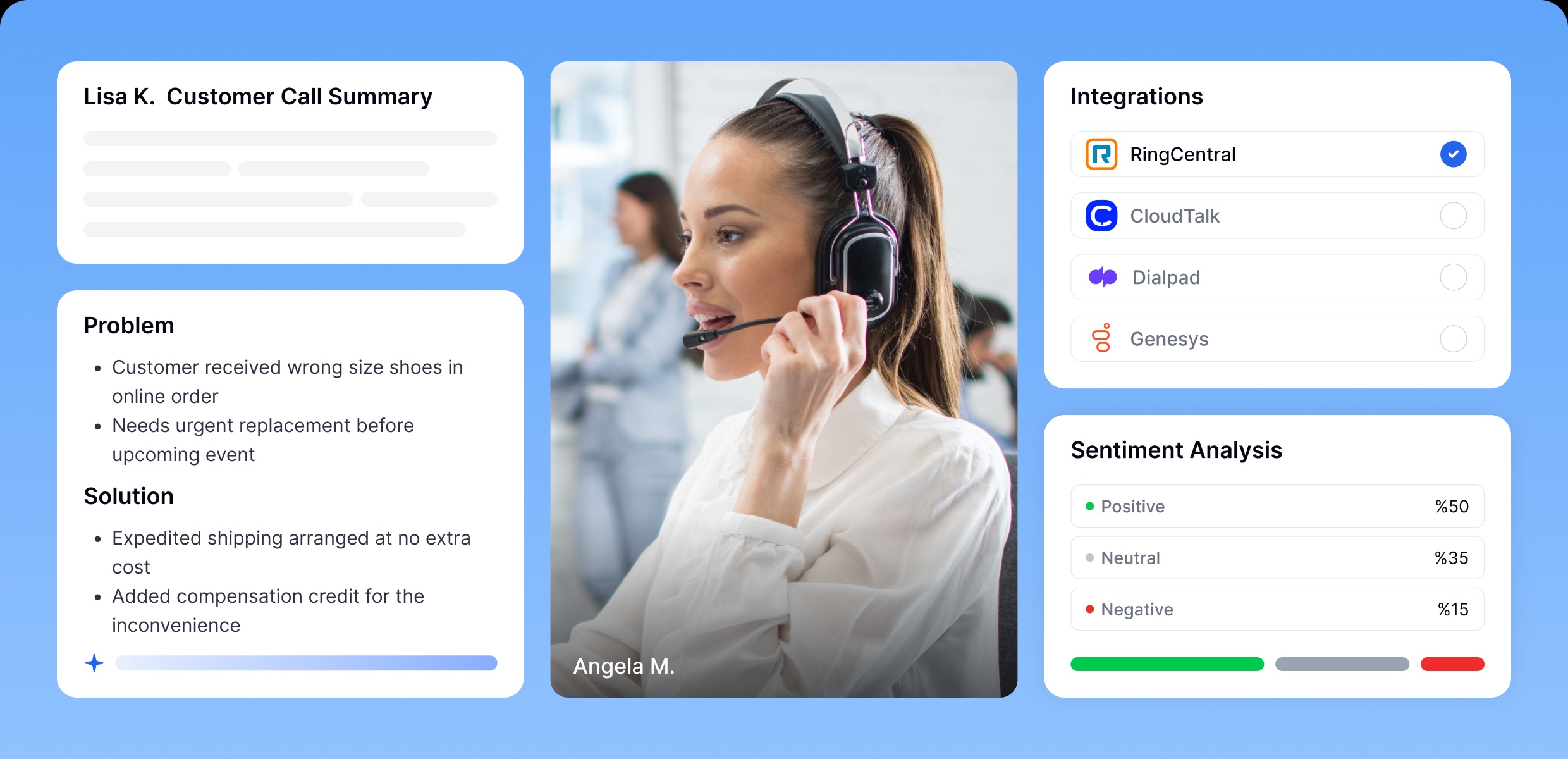
Power Customer Calls with Intelligence
Provide agents, supervisors, and support teams with the information they need to resolve customer issues more efficiently.
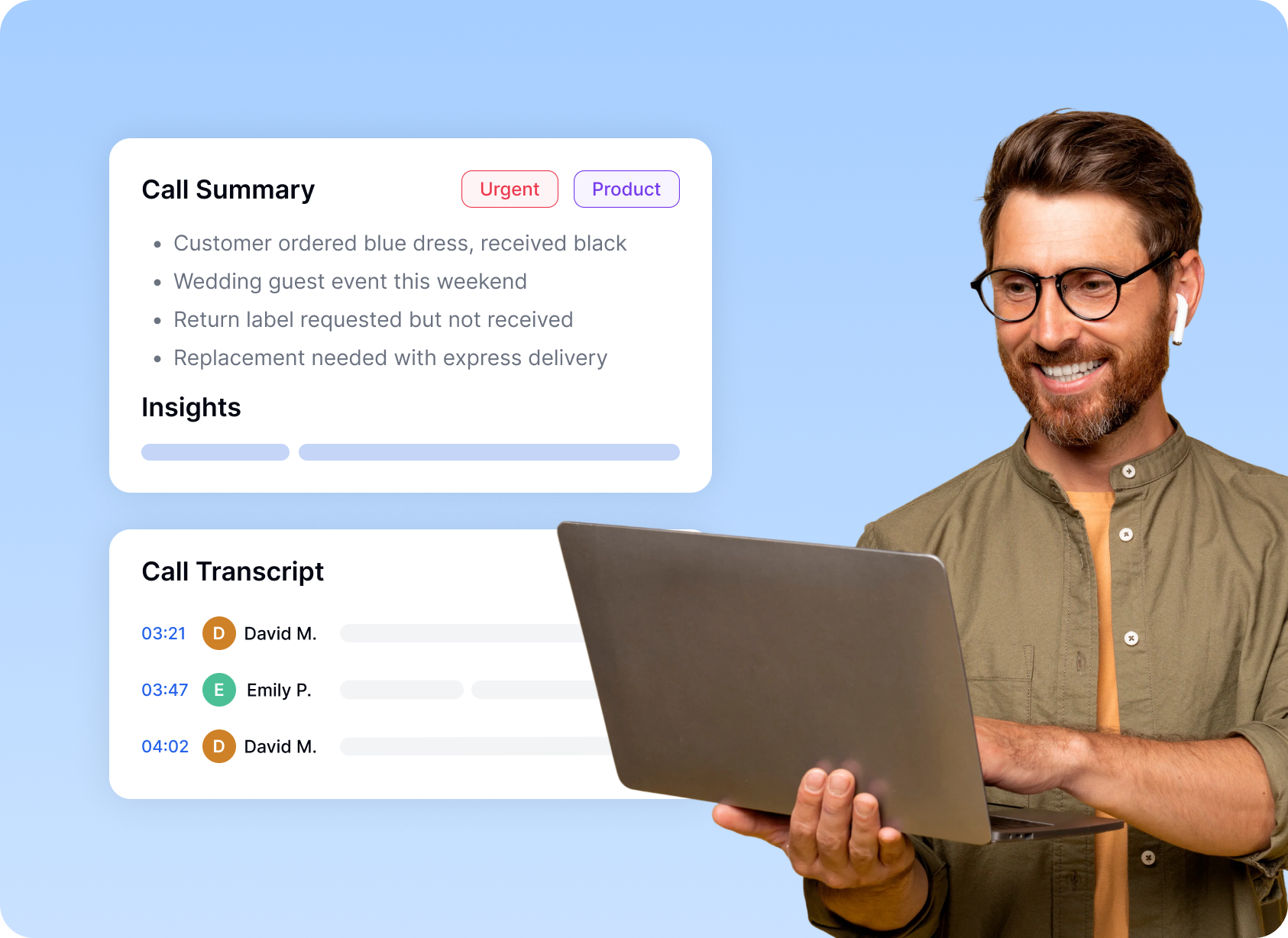
Operate with Clarity Across Different Call Center Functions
Extract clear insights from every conversation to speed up decisions, improve coaching, and enhance customer experience.
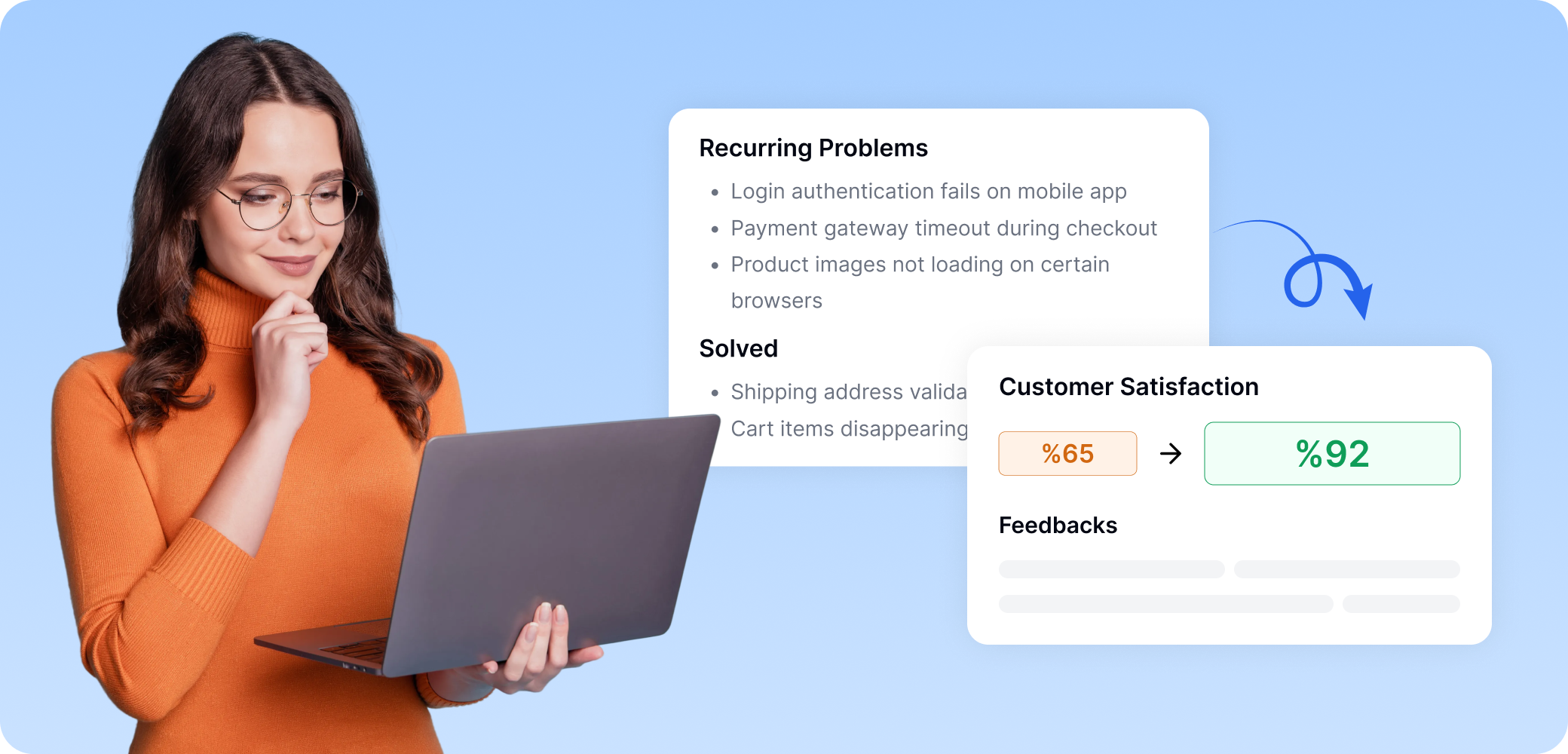
Resolve Issues Quickly
Identify recurring problems and track resolutions across high-volume support calls.
Improve Satisfaction
Spot trends in customer interactions to prevent repeated issues and increase satisfaction.
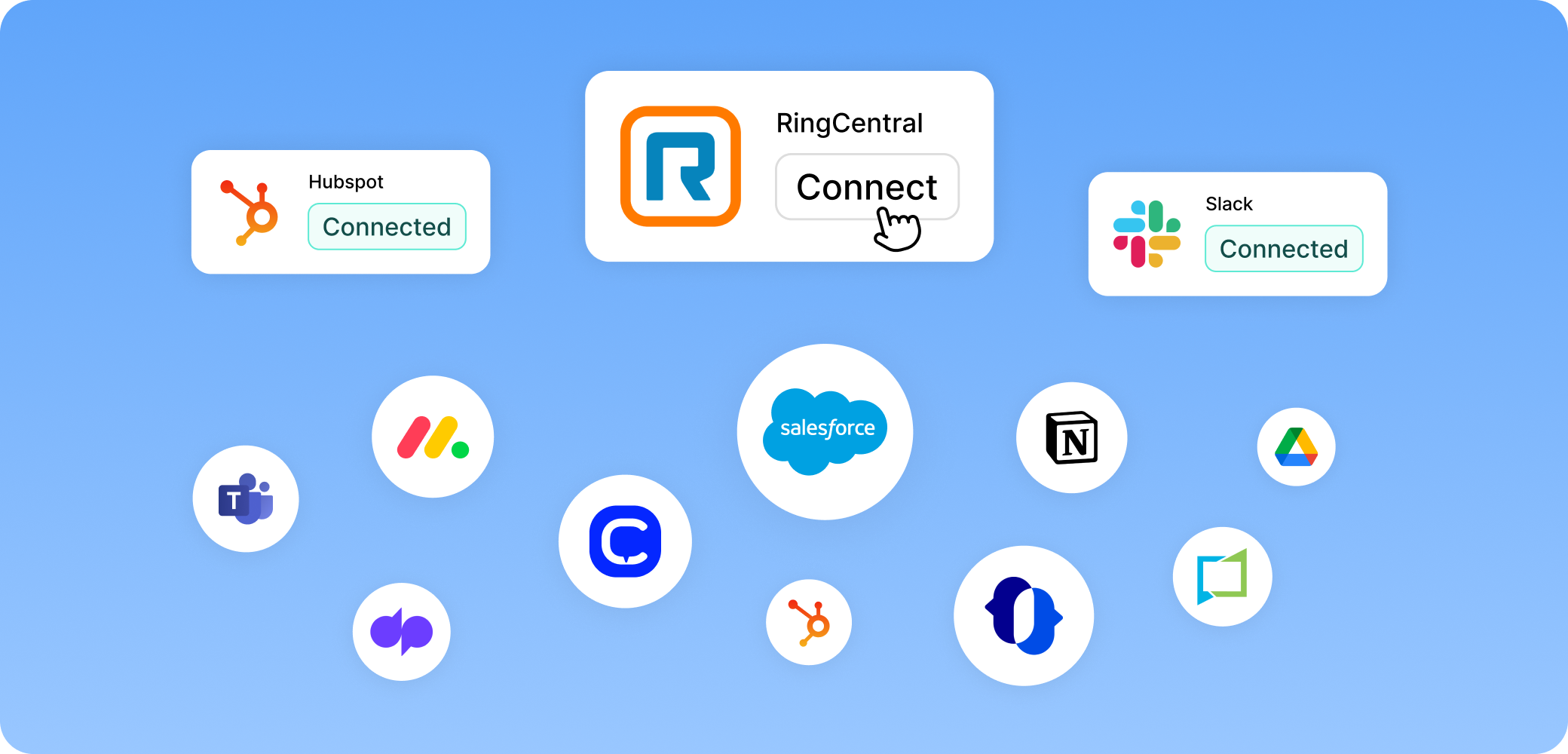
Integrate Seamlessly Into Your Call Center Ecosystem
Integrate Transkriptor to capture, share, and analyze calls seamlessly.



VoIP
Automatically transcribe calls from RingCentral, TeleVox, Dialpad, CloudTalk, and JustCall systems.


CRM
Sync call transcripts and summaries into HubSpot and Salesforce for unified context.



Collaboration
Share call insights via Slack, Notion, Drive, and internal tools to support training, QA, and operations.
Enterprise-Ready Security and Governance
Protect sensitive customer conversations with enterprise-grade encryption, role-based access controls, and GDPR-compliant data handling.




Hear it From Our Users
"Transkriptor eliminated the hours we spent manually reviewing calls for quality assurance. Our supervisors now review twice as many interactions in half the time, and coaching sessions are more specific because we can reference exact conversation moments."

Sarah Jenkins
Quality Assurance Manager
Frequently Asked Questions
AI call center transcription is the process of converting customer calls into searchable text so teams can review conversations, detect patterns, and extract business insights.
It captures the call audio, separates speakers, converts speech into text, and structures the conversation for analysis, review, and quality monitoring.
It helps teams understand customer intent, reduce missed details, improve quality assurance, and turn large volumes of calls into usable data.
Support teams, sales teams, quality assurance teams, compliance teams, operations teams, and contact centers with high call volume can all benefit from it.
Call transcription turns speech into text. Call analytics interprets that text to identify patterns such as sentiment, objections, intent, resolution issues, and agent performance.
Yes. It helps teams identify recurring complaints, customer friction points, successful call flows, and areas where agents need better support.