Meeting Transcription: The Complete Guide for 2026


Transcribe, Translate & Summarize in Seconds
| Meeting transcription converts spoken discussion into searchable, editable text using AI. Transkriptor delivers 99% accuracy across 100+ languages for both videoconference and in-person meetings. AI transcription accuracy now reaches 94-99%, making professional documentation accessible to every team. |
|---|
Meeting transcription converts spoken conversations into clear, searchable text so teams can review decisions, track action items, and avoid missing important details. Instead of relying on manual notes, businesses now use AI note takers to capture meetings automatically across Zoom calls, Microsoft Teams sessions, client interviews, and in-person discussions.
Modern meeting transcription software offers speaker identification, summaries, and multilingual support with high accuracy. As remote and hybrid work continue to grow, meeting transcription has become essential for productivity, compliance, and better team communication.
How Meeting Transcription Works?
AI meeting transcription follows a straightforward process: capture audio, the AI engine converts spoken words into text, and generates summaries. Below is the detailed process of how you get a transcription:
Audio Capture: Transcription tool records the meeting through a bot that joins your video call, a mobile app that captures ambient audio, or a direct file upload.
Speech Recognition: An AI engine converts the audio stream into raw text using automatic speech recognition (ASR) models trained on millions of hours of speech.
Speaker Diarization: The system identifies when the speaker changes and labels each turn separately, so you know who said what.
Post-Processing: Punctuation, formatting, and filler word removal clean up the raw transcript. Many tools then generate AI summaries, action items, and keyword highlights on top of the transcript.
Delivery: The final transcript lands in your workspace, searchable and exportable in formats like PDF, DOCX, TXT, and SRT.
The key variables that affect accuracy are audio quality, background noise, the number of simultaneous speakers, and whether the model has been trained for your language or industry terminology. Clean audio in a quiet room consistently produces the best results.
Two Types of Meetings: Which Meeting Transcription Approach Do You Need?
Meeting transcription tools are built around two distinct recording environments. Understanding the difference helps you choose the right workflow.
Videoconference Meeting Transcription
Videoconference transcription covers meetings on platforms like Zoom, Google Meet, and Microsoft Teams. The tool sends an AI bot into your scheduled call, which records both audio and video. The bot handles speaker identification automatically because each participant joins with a labeled profile.
This approach works for remote and hybrid teams, sales calls, client check-ins, and any meeting that already runs on a video platform. The bot joins silently, takes notes, and delivers a transcript immediately after the meeting ends.
How to Transcribe a Videoconference Meeting with Transkriptor?
Follow these steps to transcribe a videoconference meeting with Transkriptor's AI note taker:
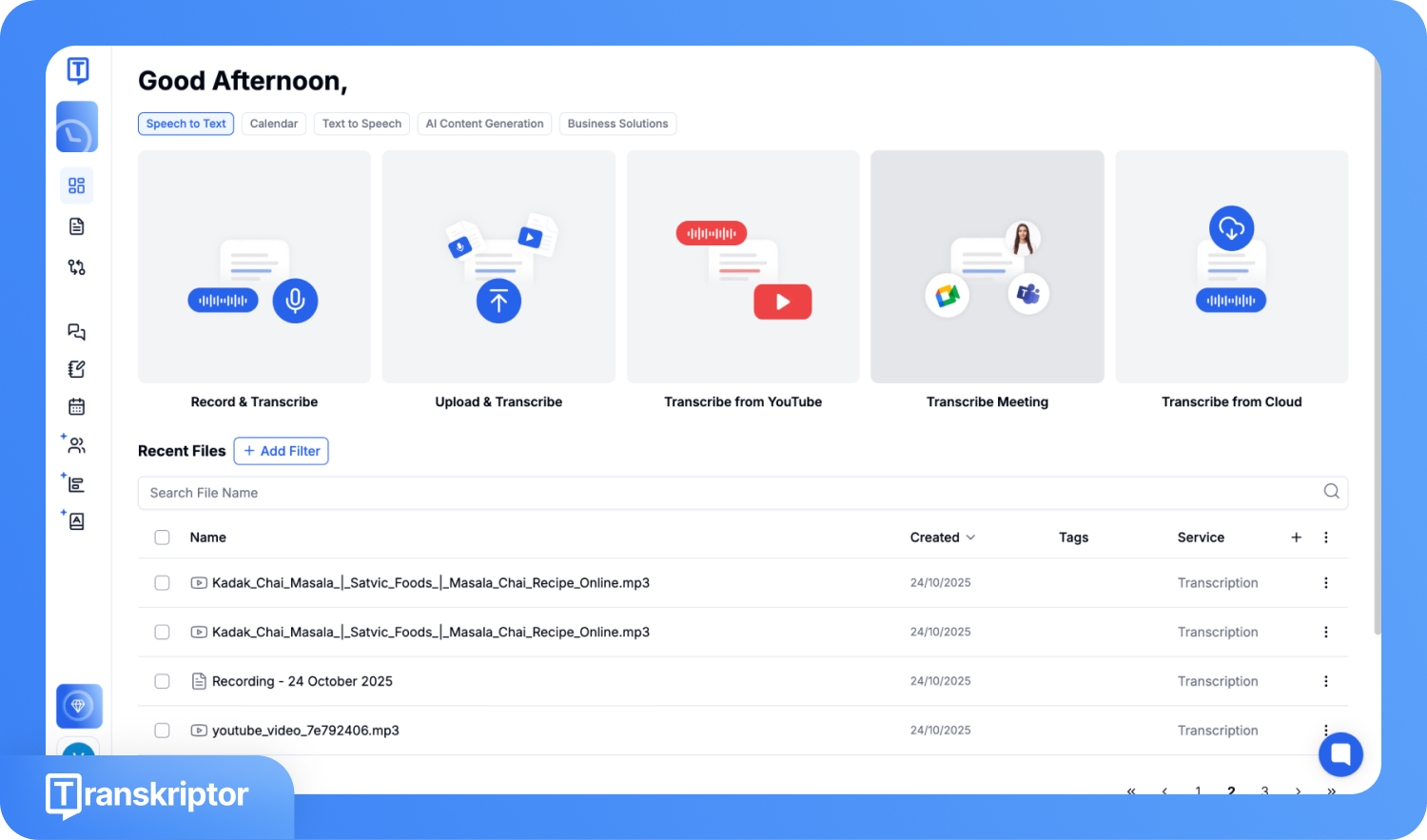
Step 1: Create your account on Transkriptor and Transcribe Meeting.
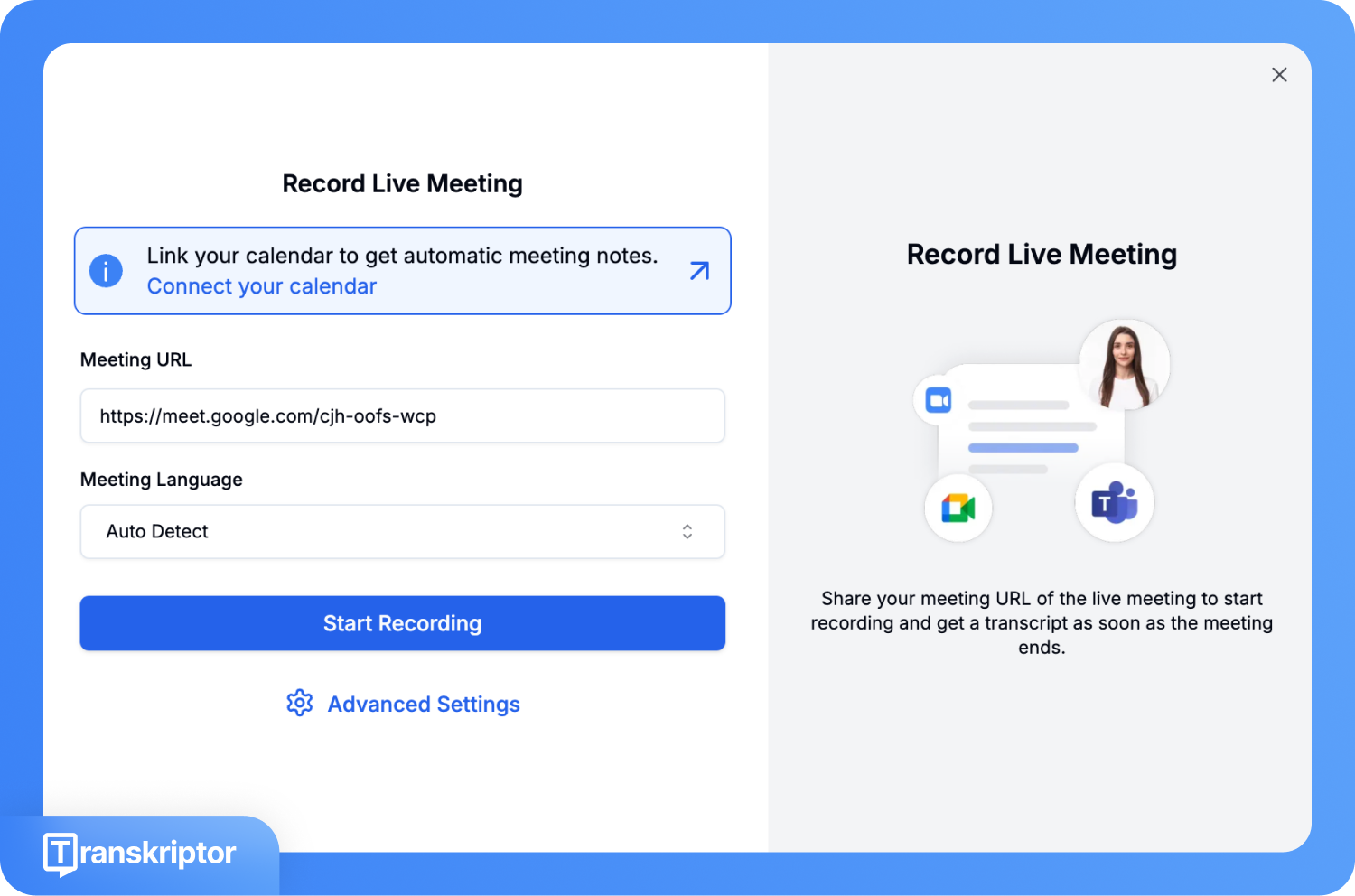
Step 2: Paste the meeting link, choose the language, and click Start Recording. Or click on the "Connect your calendar” option, so next time when the meeting starts, Transkriptor auto-joins the meeting.
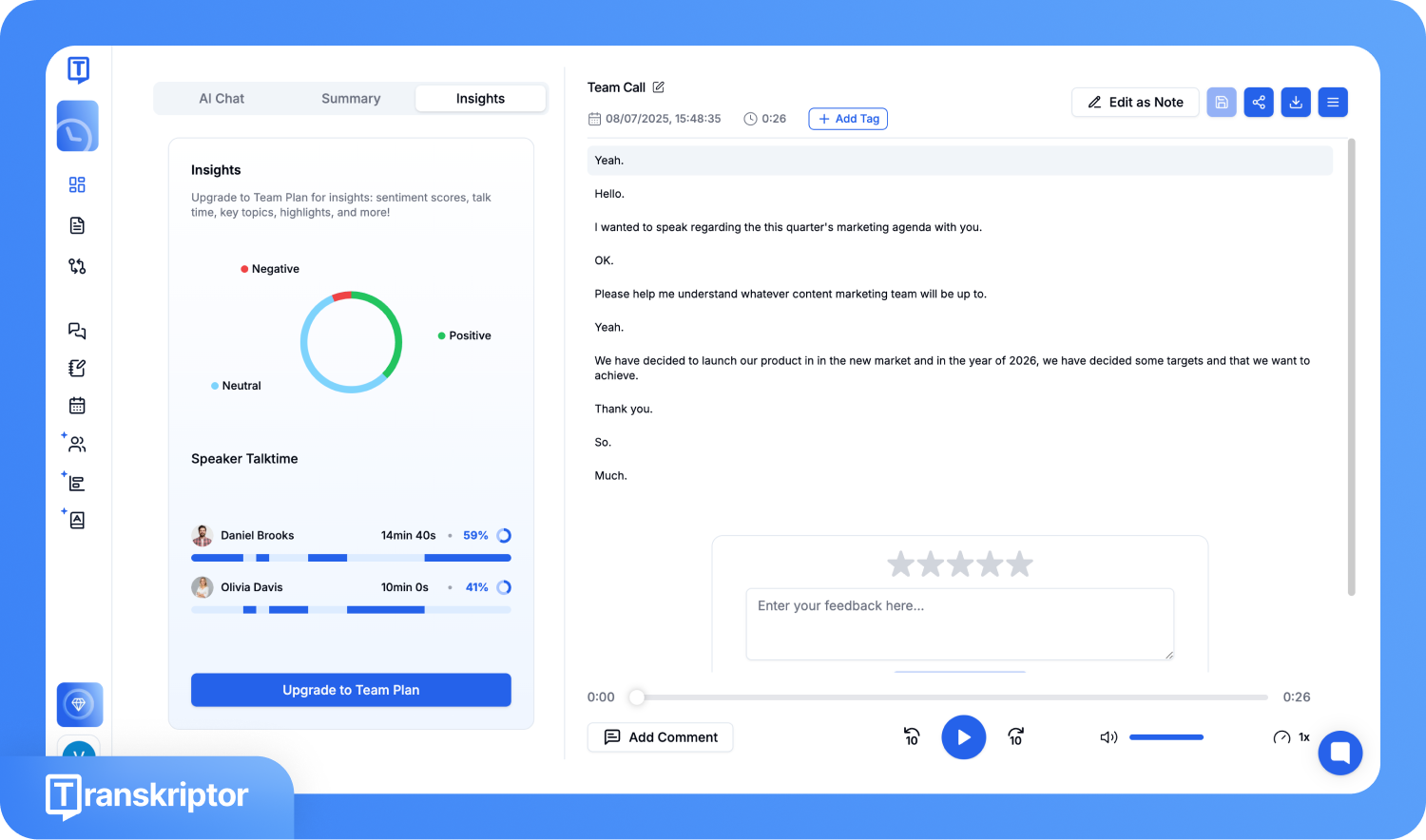
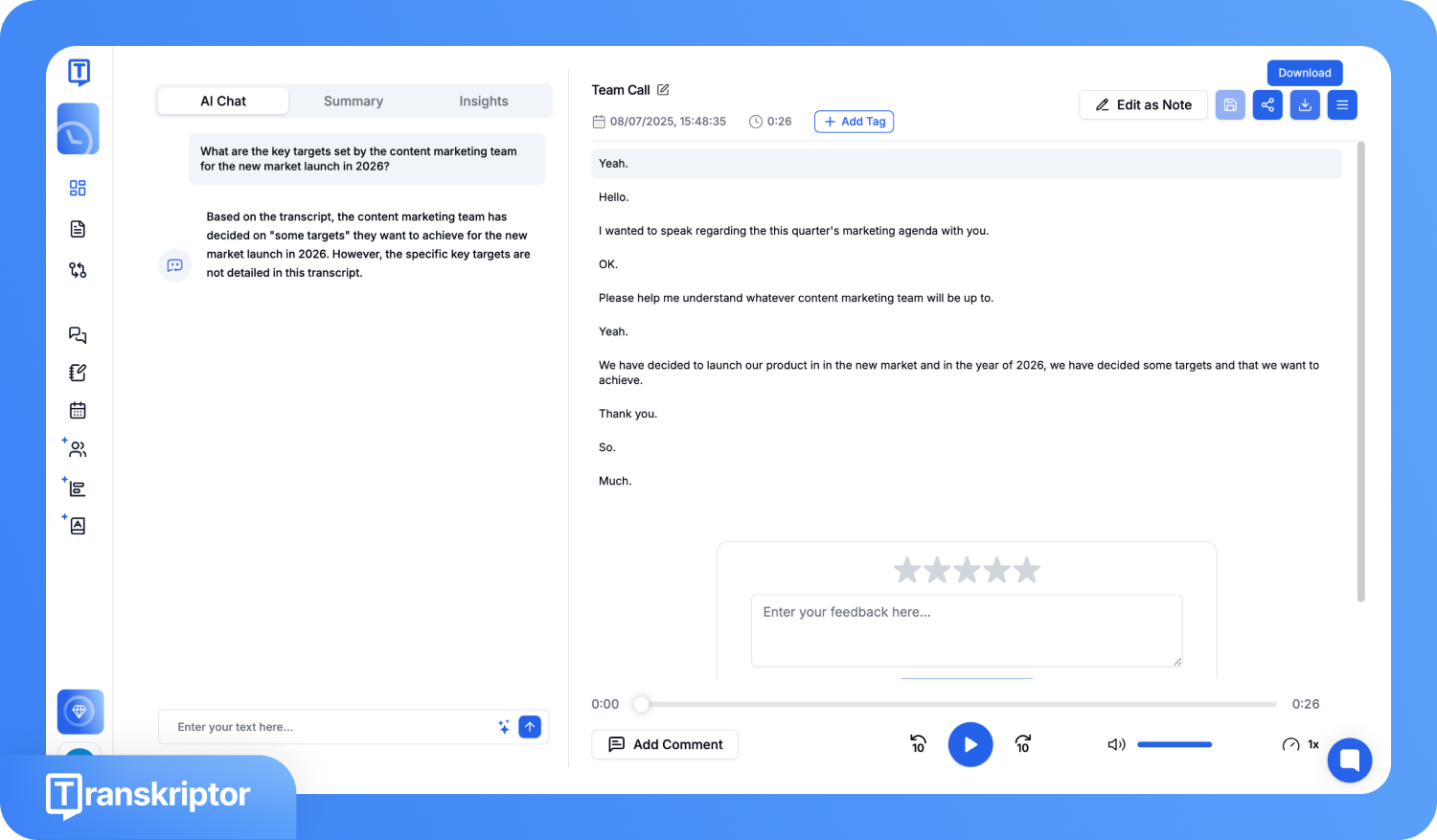
Step 3: Once the meeting ends, the AI generates the complete transcript along with summaries and key insights.
Step 4: Click the Share icon to share transcripts directly with your team, or click Download.
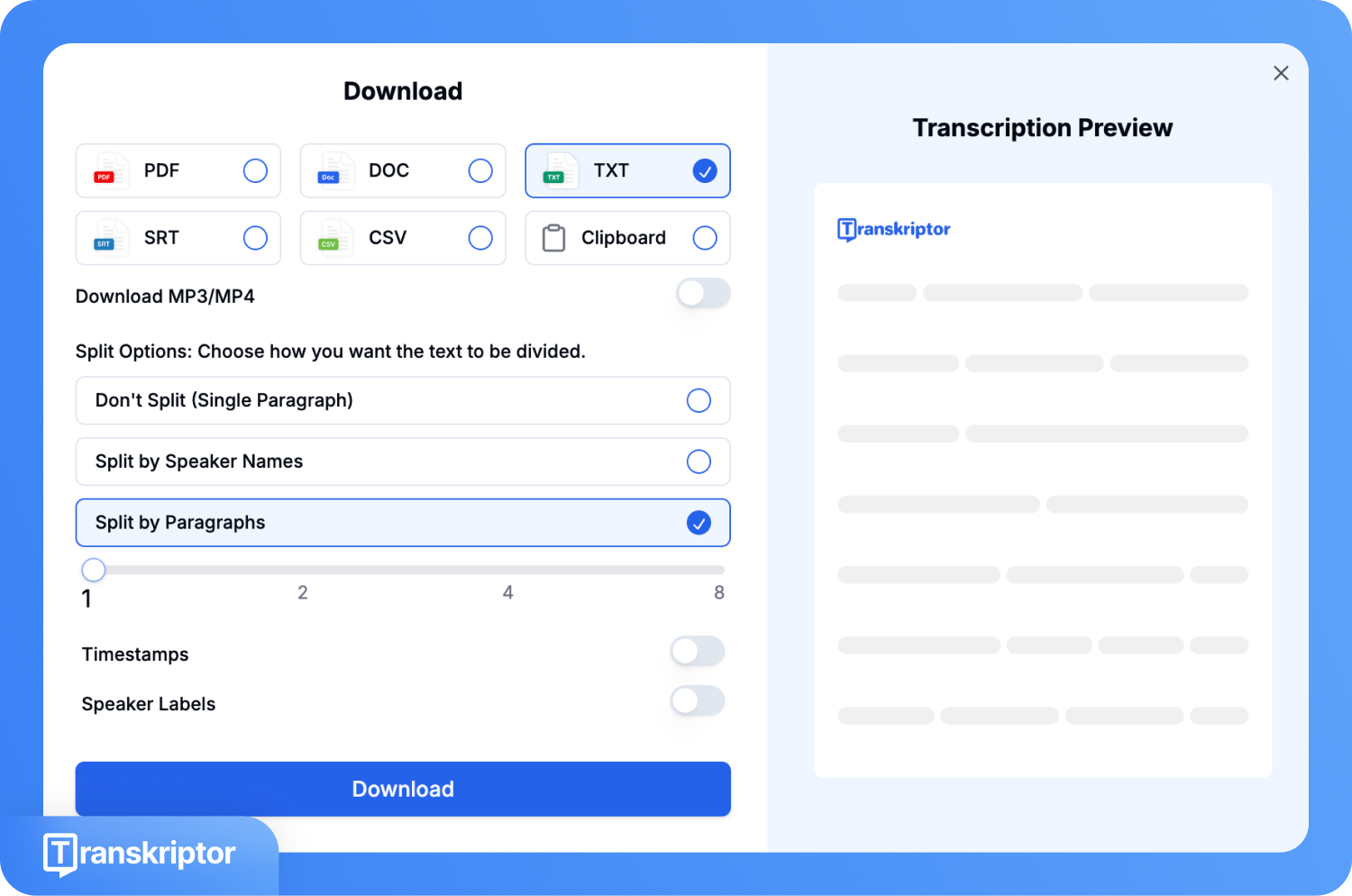
Step 5: Choose the output format, download the meeting recording in MP3/MP4, and enable timestamps and speaker labels if you want, then hit the Download button.
In-Person Meeting Transcription
In-person transcription covers physical meetings, workshops, client visits, and any session that does not involve a video platform. Here, a mobile app listens to ambient audio through your phone or tablet microphone and converts it to text in real time.
The main challenges are background noise, overlapping voices, and speakers who move around the room. Good tools use noise suppression and multi-speaker diarization to handle these conditions. No bot is required because the app runs directly on your device.
How to Transcribe an In-Person Meeting with Transkriptor?
Here is the step-by-step guide if you want an in-person meeting transcription with Transkriptor:
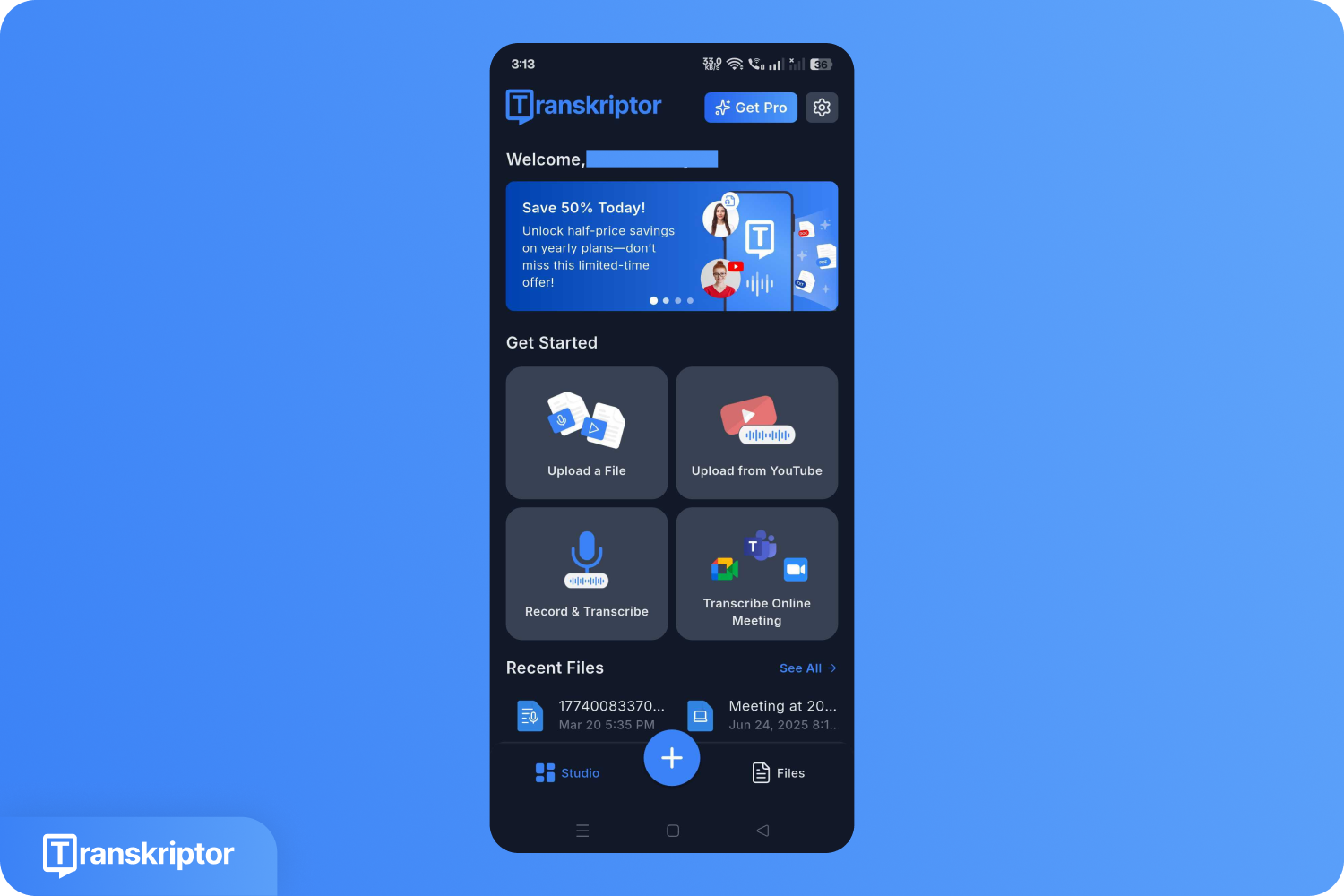
Step 1: On the mobile app, click the Record and Transcribe option.
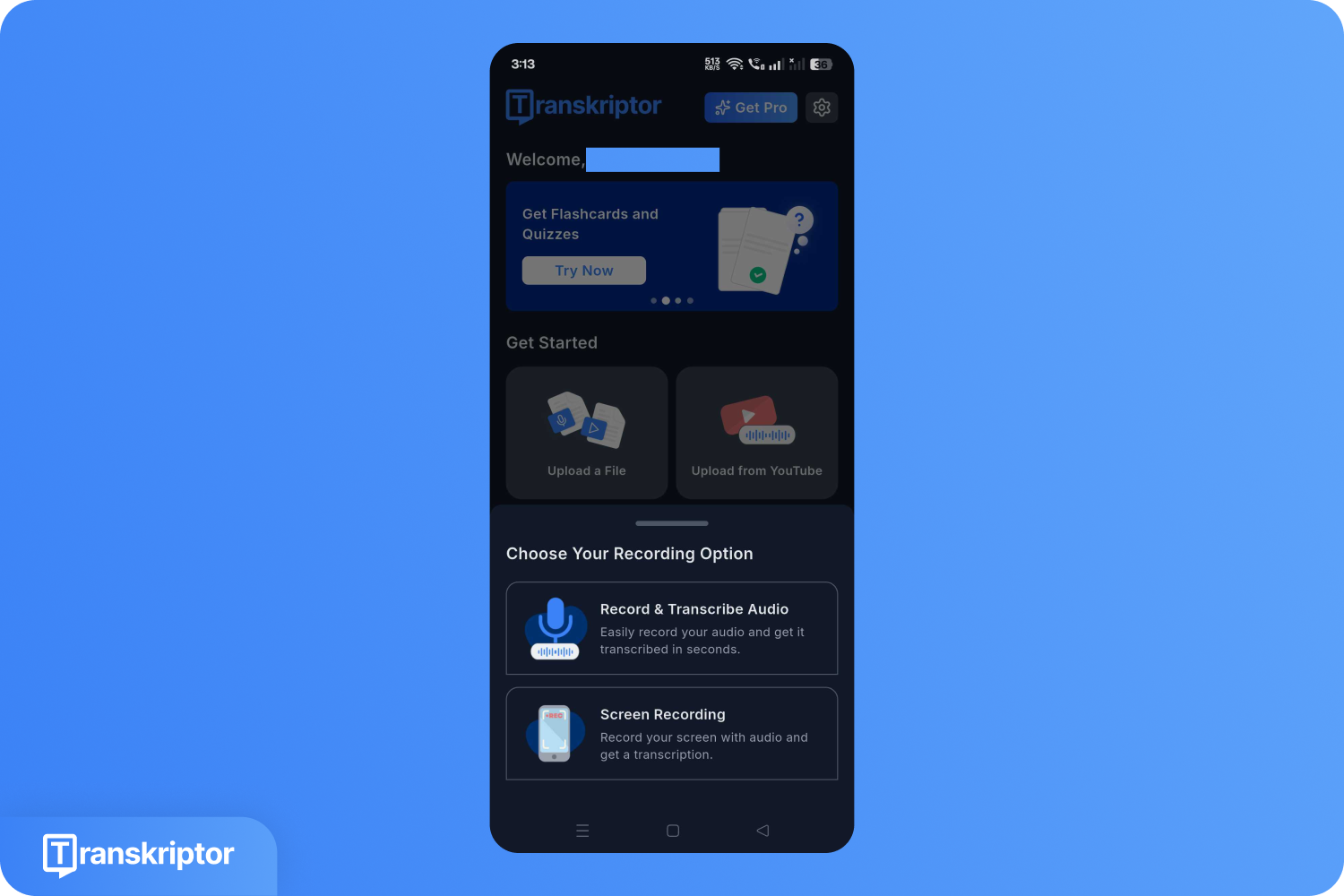
Step 2: Choose between “recording and transcribing audio” and “screen recordings.” For an in-person meeting, choose the record-and-transcribe option.
Step 3: Click on the Mic option to start the recording.
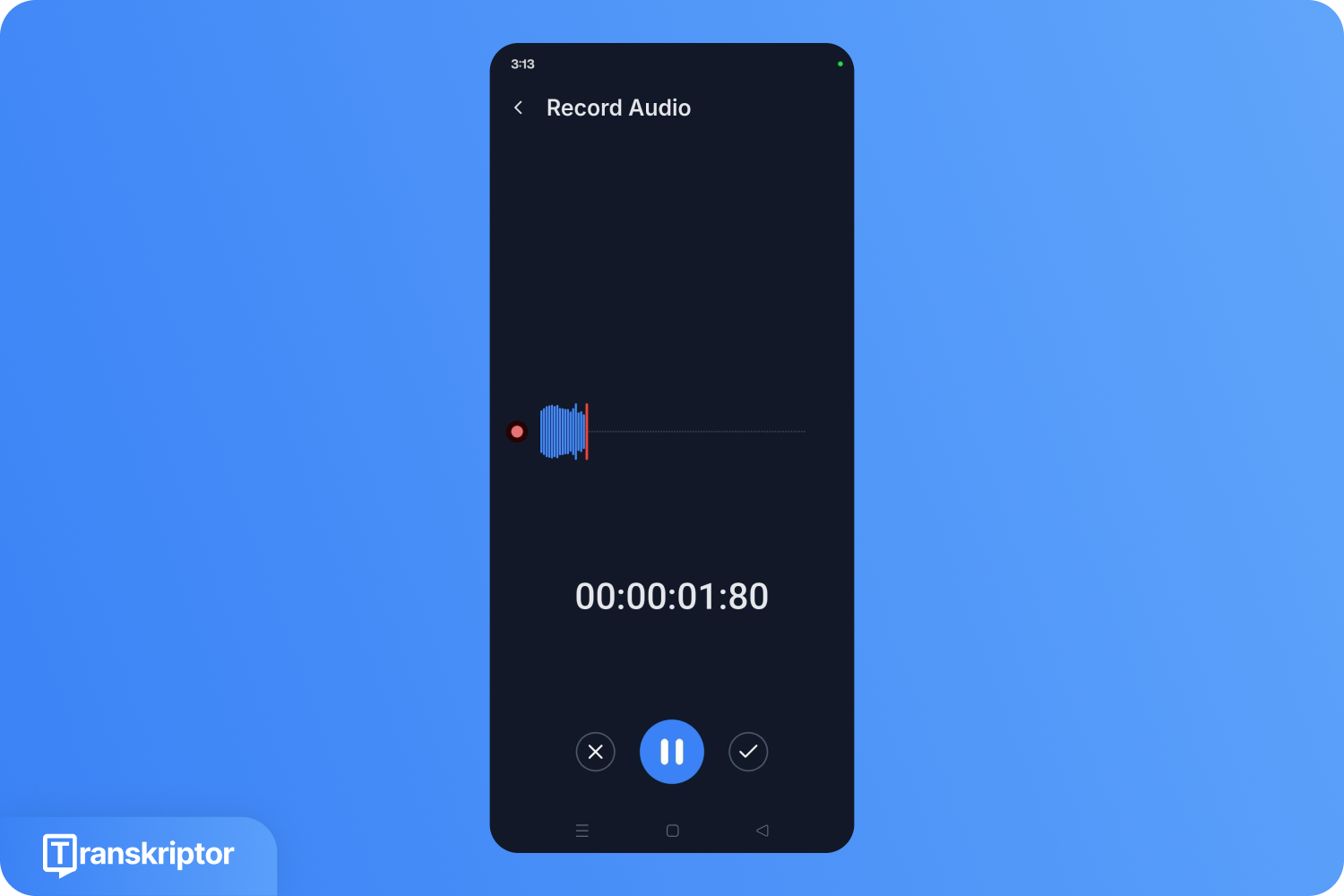
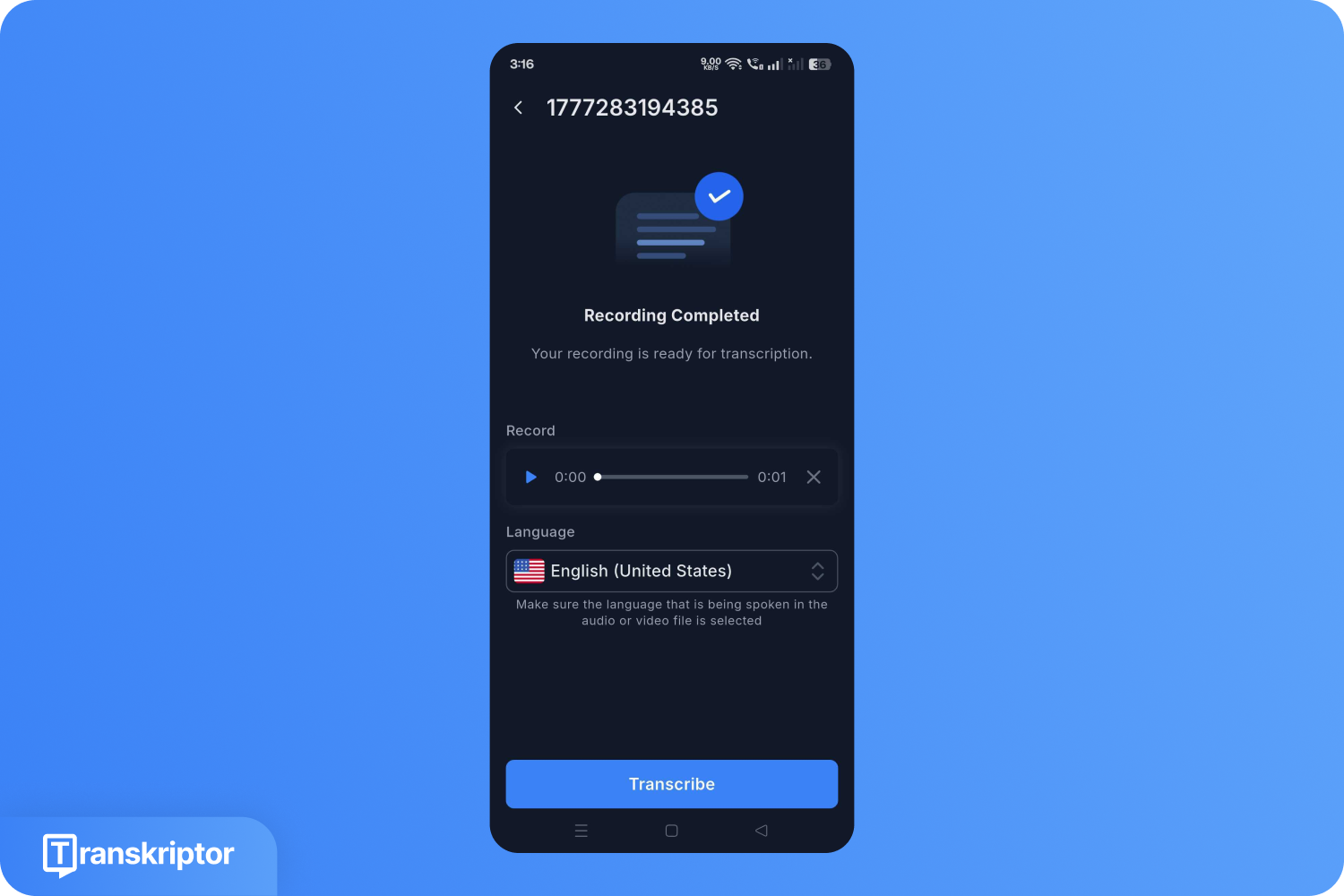
Step 4: Once the recording is done, choose the transcription language and click Transcribe.
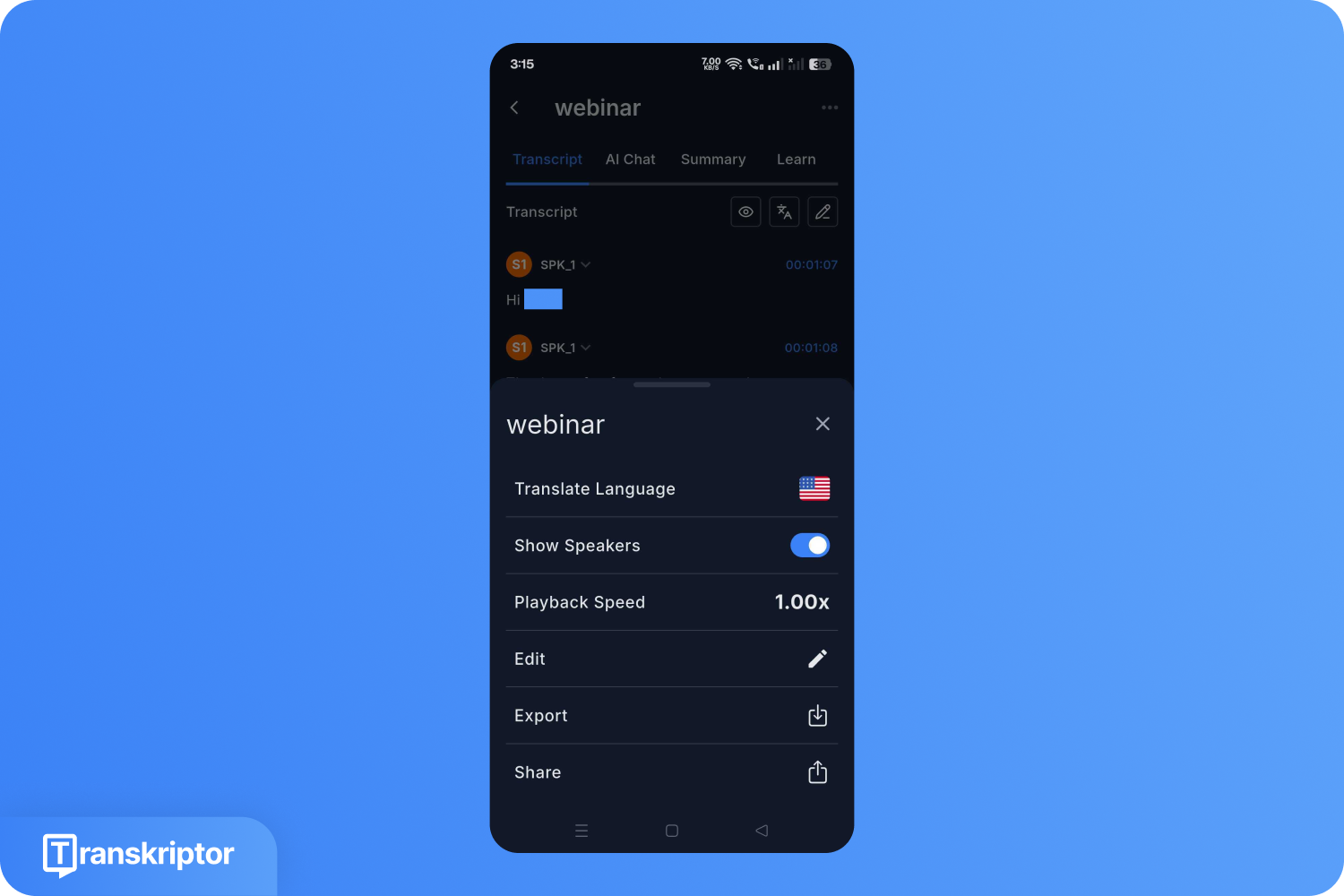
Step 5: Click the three dots in the upper-right corner, then click Export.
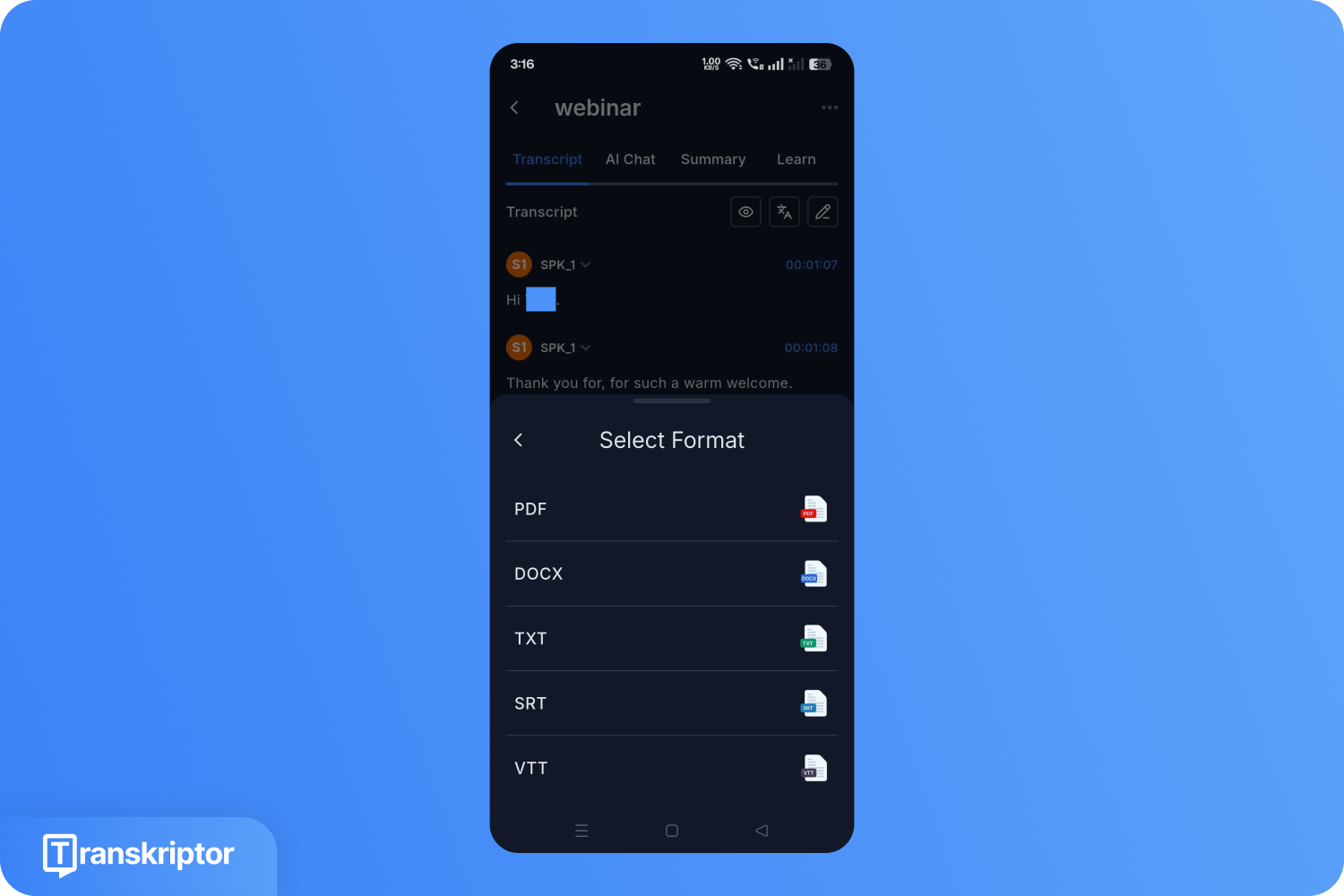
Step 6: Select style, transcription format, and download.
What are the Benefits of AI Meeting Transcription Tools?
Having a record of all conversations, improved accessibility, documentation, and a searchable knowledge base are some of the core benefits of AI meeting note taking tools.
Complete and Accurate Records: Manual notes often miss details, especially during fast-paced conversations with multiple speakers. An AI note taker captures every word, including decisions and commitments that might not make it into a handwritten summary. Teams gain a reliable source of truth for every meeting.
Time Savings Across the Team: Transcribing a one-hour meeting by hand takes two to four hours. AI tools complete the same task in minutes. This reduces administrative work for managers, recruiters, sales teams, and client-facing professionals. Teams spend less time writing notes and more time acting on decisions.
Improved Accessibility: Team members who speak different languages, experience hearing difficulties, or join meetings asynchronously all benefit from a written transcript. Many tools offer real-time translation, so participants can read along in their preferred language.
Searchable Knowledge Base: Transcripts become searchable archives. Instead of rewatching an hour-long recording to find one decision, you search for a keyword and jump directly to the relevant moment. This turns your meeting library into an organizational resource.
Better Meeting Follow-Through: AI tools automatically extract action items, decisions, and key takeaways from the transcript. Summaries arrive in your inbox immediately after the meeting, so follow-up emails and task assignments happen faster and with fewer gaps.
Compliance and Documentation: Industries such as legal, healthcare, and finance often require accurate meeting records for regulatory purposes. HIPAA-compliant and SOC 2-certified tools ensure sensitive discussions stay secure while still producing complete documentation.
7 Best AI Meeting Transcription Tools
Some of the best AI meeting transcription tools are Transkriptor, Otter AI, Rev, Sonix, Fireflies, Notta, and Microsoft Teams. The table below gives you a quick side-by-side view of each meeting AI note taking app before the detailed breakdowns.
| Tool | Accuracy | Language Support | Free | Starting Price | Best For | Platforms Supported |
|---|---|---|---|---|---|---|
| Transkriptor | 99% | 100+ | Free trial | $9.99/month | Multi-language, in-person/virtual | Zoom, Google Meet, Teams, Webex, and more |
| Otter AI | Around 95% | 4 | Yes | $8.33/month (annual) | Real-time collaboration | Zoom, Google Meet, Teams |
| Rev | 96% (AI) | 30+ | Yes | $0.25/min | High-precision needs | Zoom, Teams, Google Meet |
| Sonix | 99% | 53+ | No | $10/hour | Post-production editing | Zoom integrations, file upload |
| Fireflies | 95% | 100+ | Yes | $10/month (annual) | Integrations, global teams | Zoom, Google Meet, Teams, Webex |
| Notta | 98% | 58+ | Yes | $13.49/month | Searchable archives | Zoom, Google Meet, Teams, Webex |
| Microsoft Teams | 80-90% | 30+ | No | $4/month (Essentials) | Native Teams users | Built into Teams |
1. Transkriptor
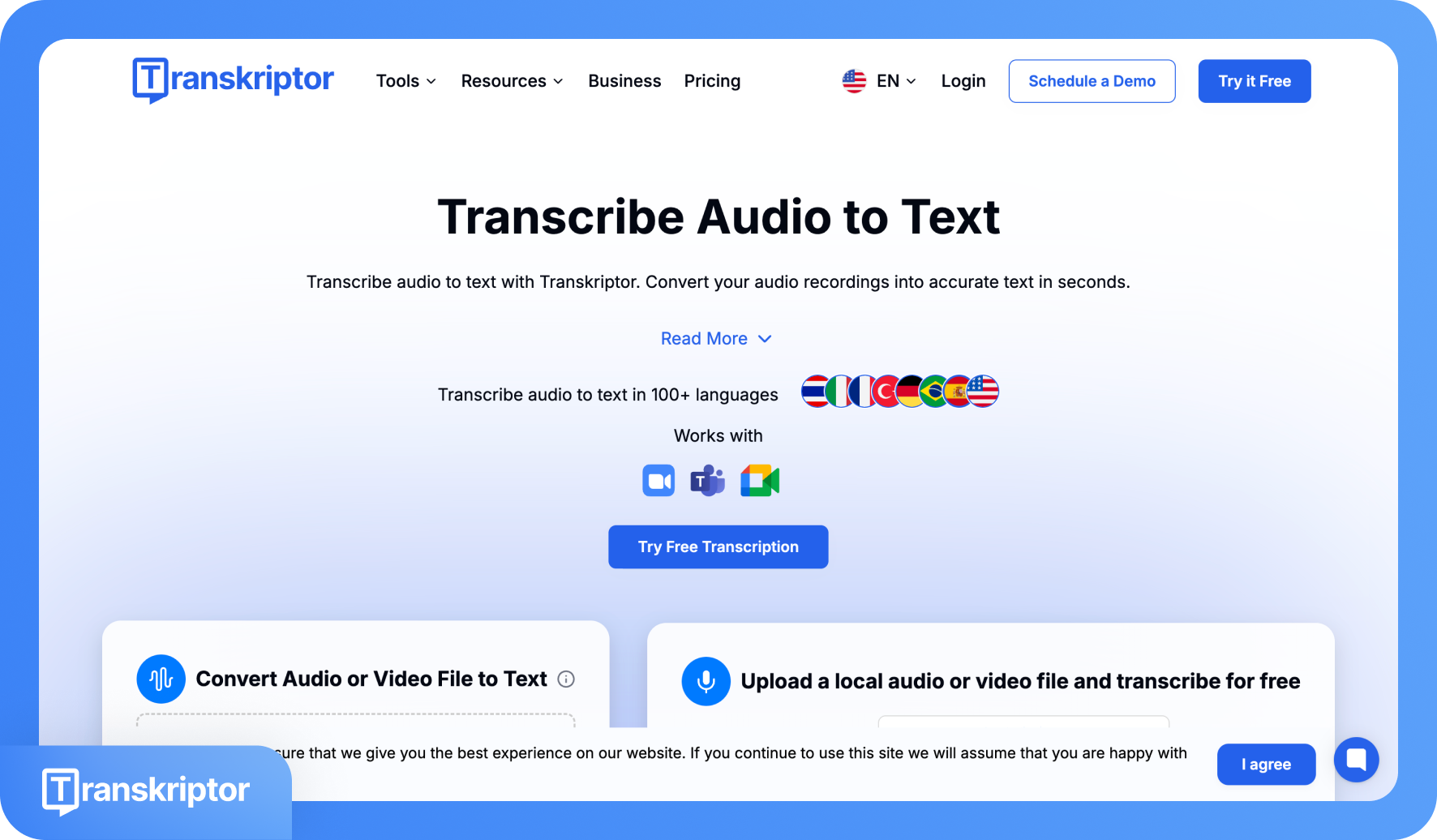
Transkriptor is a dedicated AI meeting transcription app that handles both videoconference and in-person sessions without switching tools. The AI bot automatically joins scheduled meetings on Zoom, Google Meet, and Microsoft Teams through calendar integration. The mobile app captures in-person audio directly. With up to 99% transcription accuracy across 100+ languages, Transkriptor delivers speaker-labeled transcripts alongside AI summaries, sentiment analysis, and talk-time analytics. It is GDPR, HIPAA, ISO 27001, and SOC 2 compliant, making it suitable for regulated industries.
Key Features of Transkriptor
AI bot auto-joins Zoom, Google Meet, and Microsoft Teams through calendar sync, with no manual setup per meeting.
Speaker diarization with sentiment analysis and talk-time distribution across all participants.
AI-generated summaries, keyword highlights, and action items using customizable templates for sales, marketing, and more.
Export transcripts in SRT, PDF, DOCX, and TXT with one-click translation into 100+ languages.
Transkriptor Pricing
Lite: $9.99/month (300 min/month)
Pro: $19.99/month or $8.33/month (billed annually, 2,400 min/month)
Team: $30/seat/month or $20/seat/month (billed annually, 3,000 min/seat)
Enterprise: Contact sales
2. Otter AI
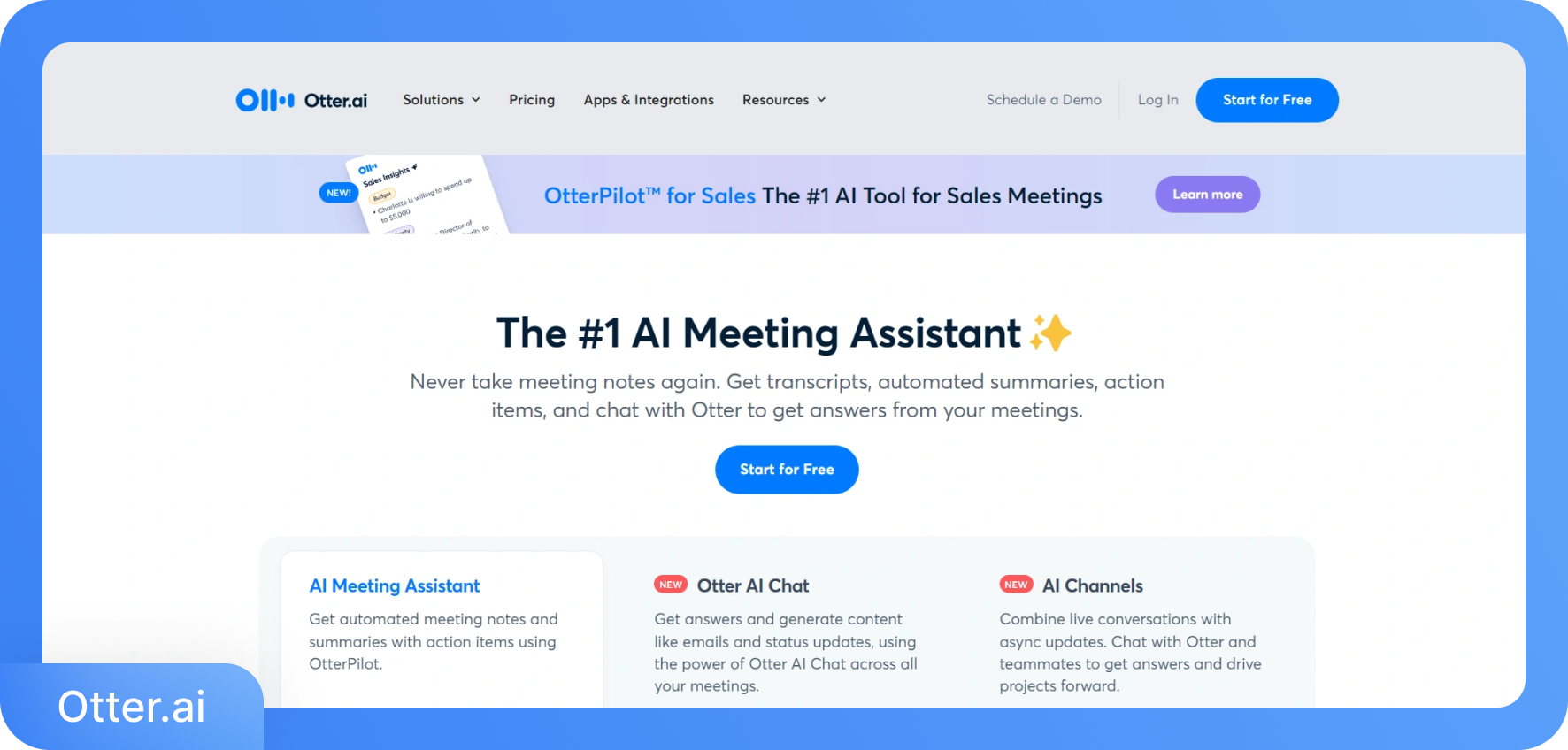
Otter AI is a meeting AI notetaker built for teams that run frequent meetings on Zoom, Google Meet, and Microsoft Teams. Its Notetaker bot joins your calls automatically through calendar integration and transcribes in real time. The AI Chat lets participants ask questions and interact with the transcript during or after the meeting. Otter AI also generates automated summaries and supports workflow integrations with Slack, HubSpot, Salesforce, and Zapier.
Key Features of Otter AI
Real-time transcription with the Notetaker bot that auto-joins Zoom, Google Meet, and Microsoft Teams via calendar.
Otter AI Chat lets you query transcripts and generate follow-up emails or action plans directly from the meeting record.
Speaker identification and voiceprint recognition to track who said what across recurring meetings.
Export in TXT, DOCX, PDF, and SRT formats with advanced search and team vocabulary support.
Otter AI Pricing
Basic: Free (300 min/month)
Pro: $16.99/month or $8.49/month (billed annually)
Business: $30/month (currently $24 for 3 months)
Enterprise: Custom pricing
3. Rev
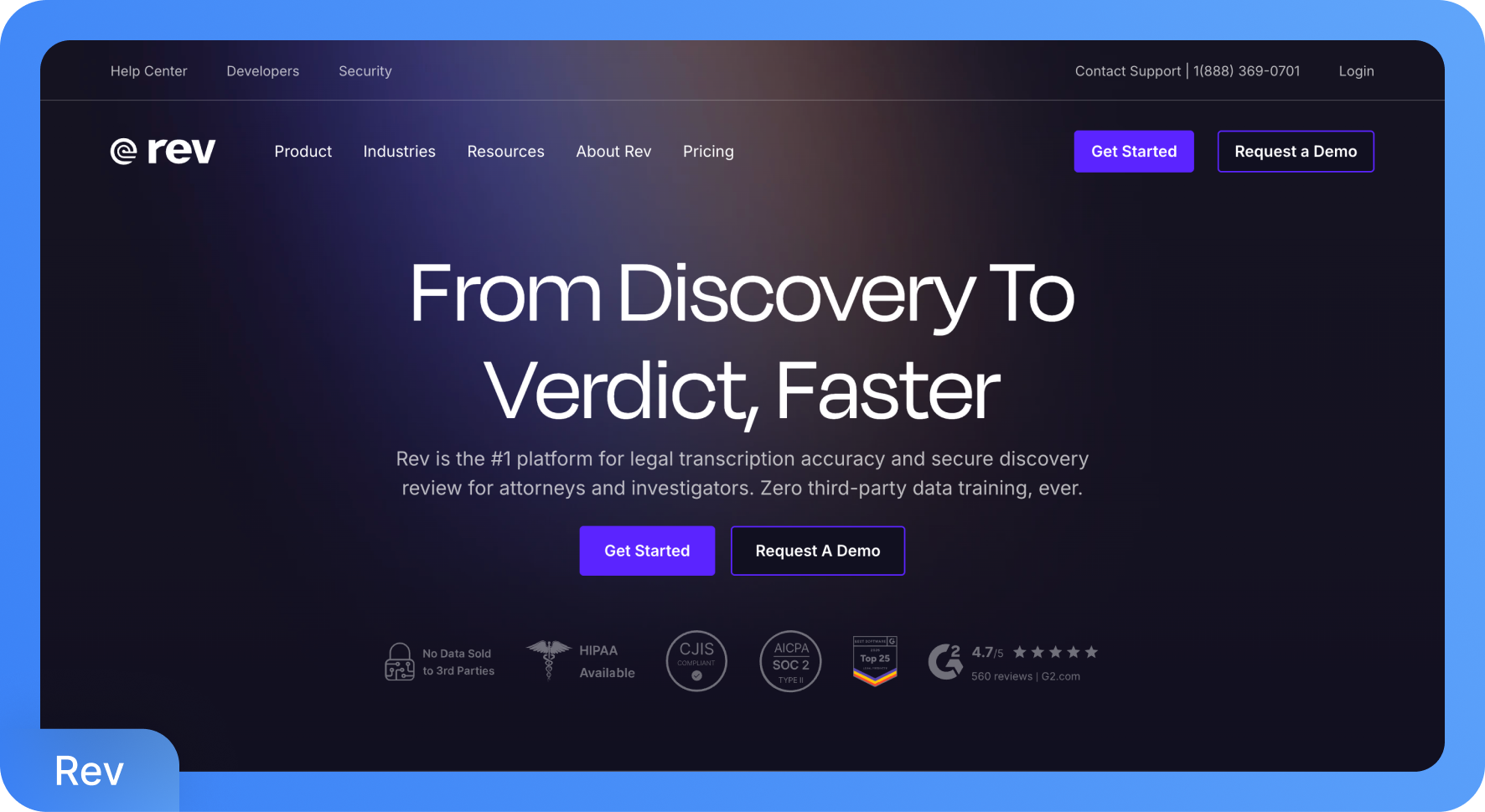
Rev offers both AI-powered meeting transcription and human-verified transcription. The AI Notetaker joins Google Meet, Teams, and Zoom meetings to generate instant summaries and action items, while the desktop and mobile apps let you record and transcribe on the go. Rev's human transcription service guarantees 99%+ accuracy with a 12-hour turnaround. AI transcription accuracy from Rev is approximately 96%, depending on audio quality.
Key Features of Rev
AI Notetaker for Zoom, Teams, and Google Meet with instant meeting summaries and action items after every call.
Human-verified transcription with 99%+ accuracy and a 12-hour or less turnaround for recordings that need near-perfect precision.
Multi-file AI analysis that spots inconsistencies and key facts across multiple audio, video, and text files simultaneously.
SOC 2 Type II and HIPAA compliance with zero third-party data training for sensitive workflows.
Rev Pricing
Free: 45 minutes/month (English only)
AI transcription: $0.25/min (~$15/hour)
Essentials: $25.49/seat/month
Pro: $47.99/seat/month
Unlimited: Custom pricing
Human Transcription: $1.99/minute
4. Sonix
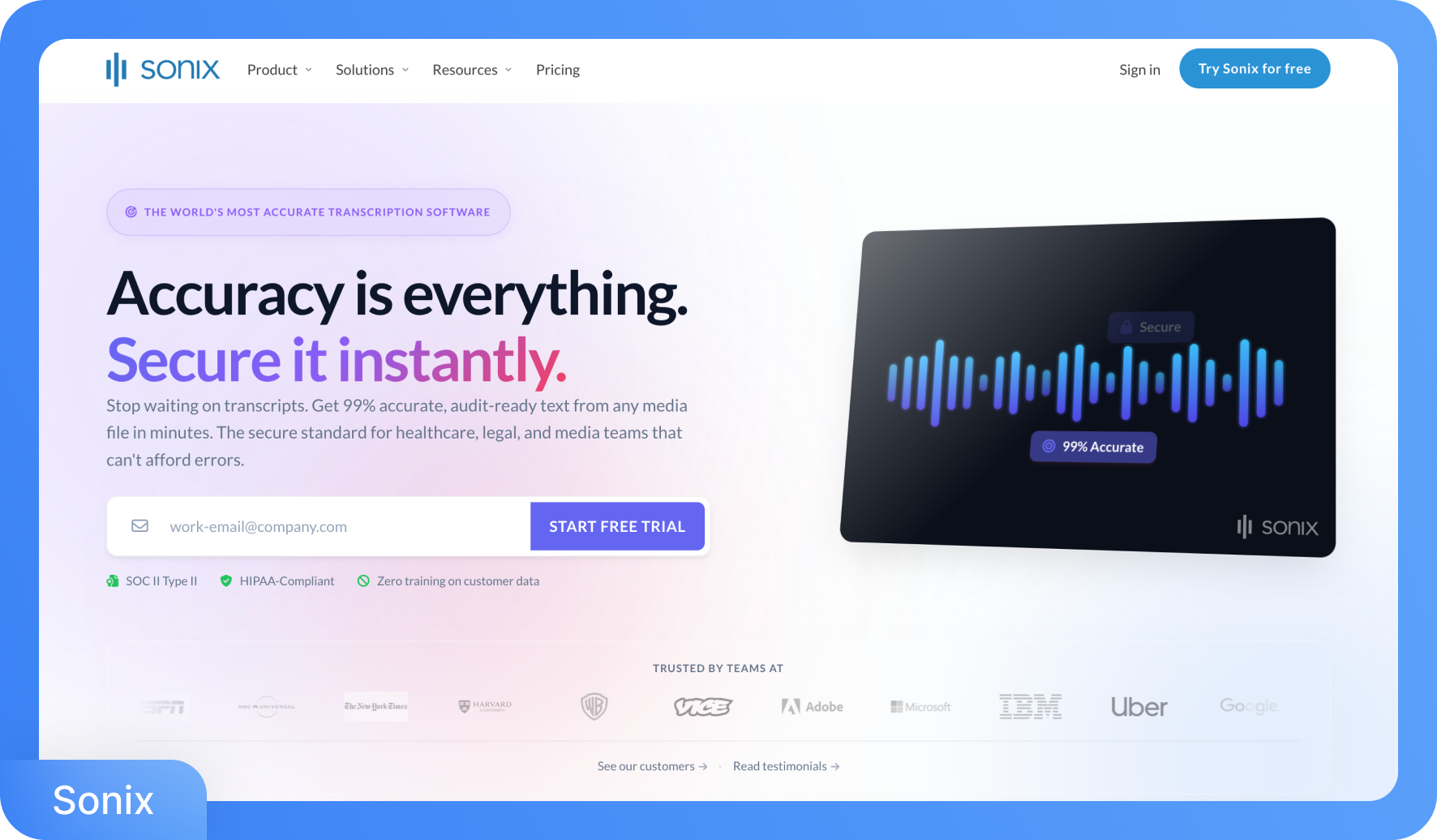
Sonix, a meeting transcription app, supports transcription via integrations with Zoom and other platforms, processing recordings after the call ends rather than during the call. It delivers up to 99% accuracy across 53+ languages and provides a full post-production workflow: an in-browser editor, automated subtitles, AI-generated summaries, translation into 54+ languages, and multi-track audio support.
Key Features of Sonix
An in-browser transcript editor where clicking any word jumps to that exact audio moment, making review and corrections fast.
Automatic speaker diarization with multi-track audio support, labeling participants from separate audio channels.
Custom vocabulary dictionary for industry-specific terms and proper nouns, boosting accuracy for technical content.
AI analysis tools, including chapter generation, sentiment analysis, and translation into 54+ languages from a single transcript.
Sonix Pricing
Standard: $10/hour transcription (no monthly platform fee)
Premium: $22/seat/month + $5/hour transcription
Enterprise: Custom pricing
5. Fireflies
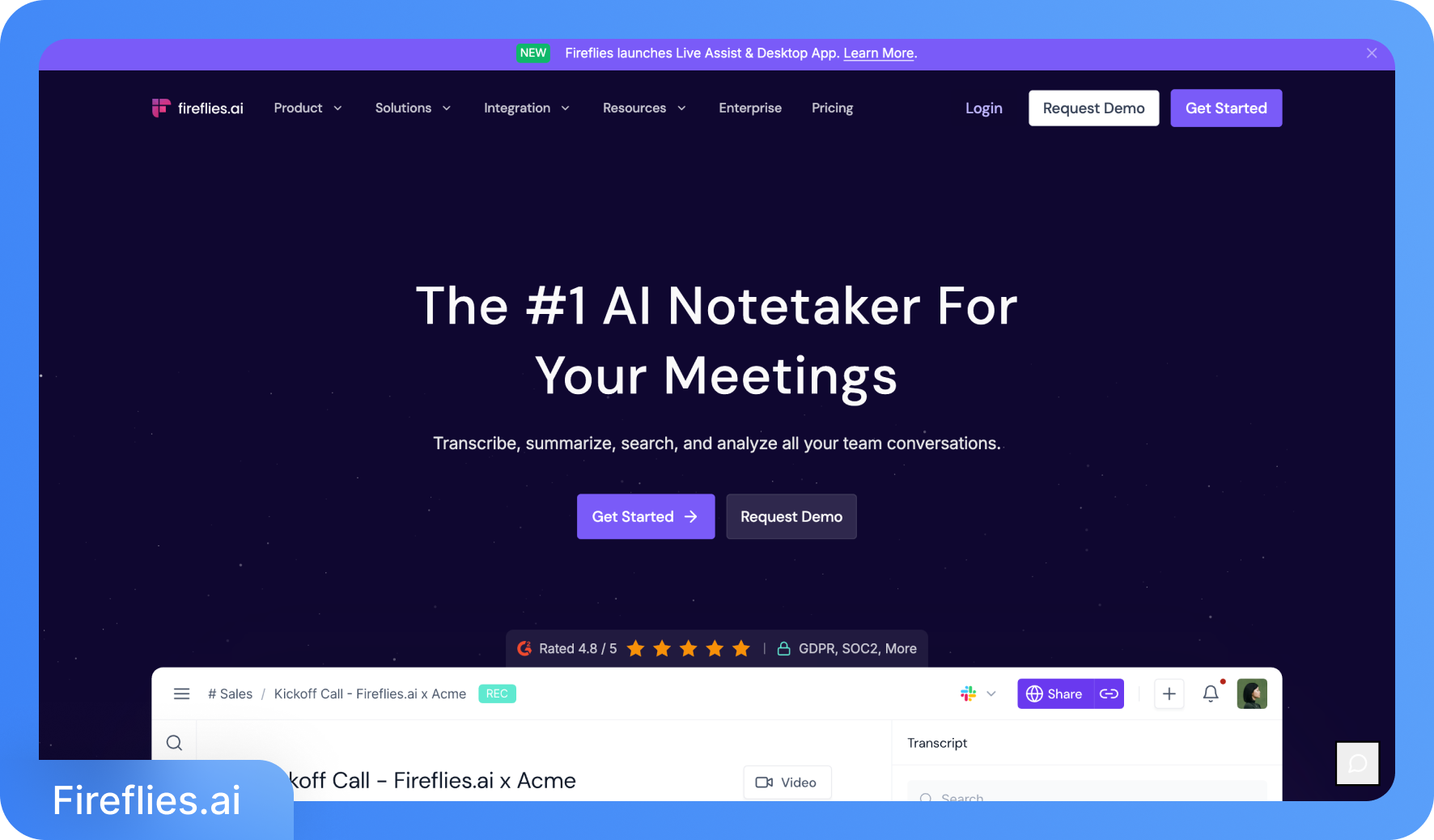
Fireflies is an AI meeting assistant that transcribes across Zoom, Google Meet, Microsoft Teams, and Webex, and supports audio file uploads. The free plan provides unlimited transcription (with storage limits) and support for 100+ languages, making it one of the most accessible free meeting transcription tools. Paid plans add unlimited AI summaries, video recording, talk-time analytics, CRM integrations, and conversation intelligence features. Fireflies also includes an AskFred AI assistant that answers questions and generates follow-up emails from transcript content.
Key Features of Fireflies
Auto-joins Zoom, Google Meet, Teams, Webex, and other platforms in 100+ languages with real-time notes and live transcription.
AskFred AI assistant answers meeting questions and generates follow-ups, social posts, or blog drafts from any transcript.
Topic Tracker identifies and filters custom keywords across all your meetings for pattern recognition and trend analysis.
Unlimited integrations on Business and Enterprise plans, including CRM, project management, and dialer tools.
Fireflies Pricing
Free: $0
Pro: $10/seat/month (billed annually) or $18/month
Business: $19/seat/month (billed annually) or $29/month
Enterprise: $39/seat/month (billed annually)
6. Notta
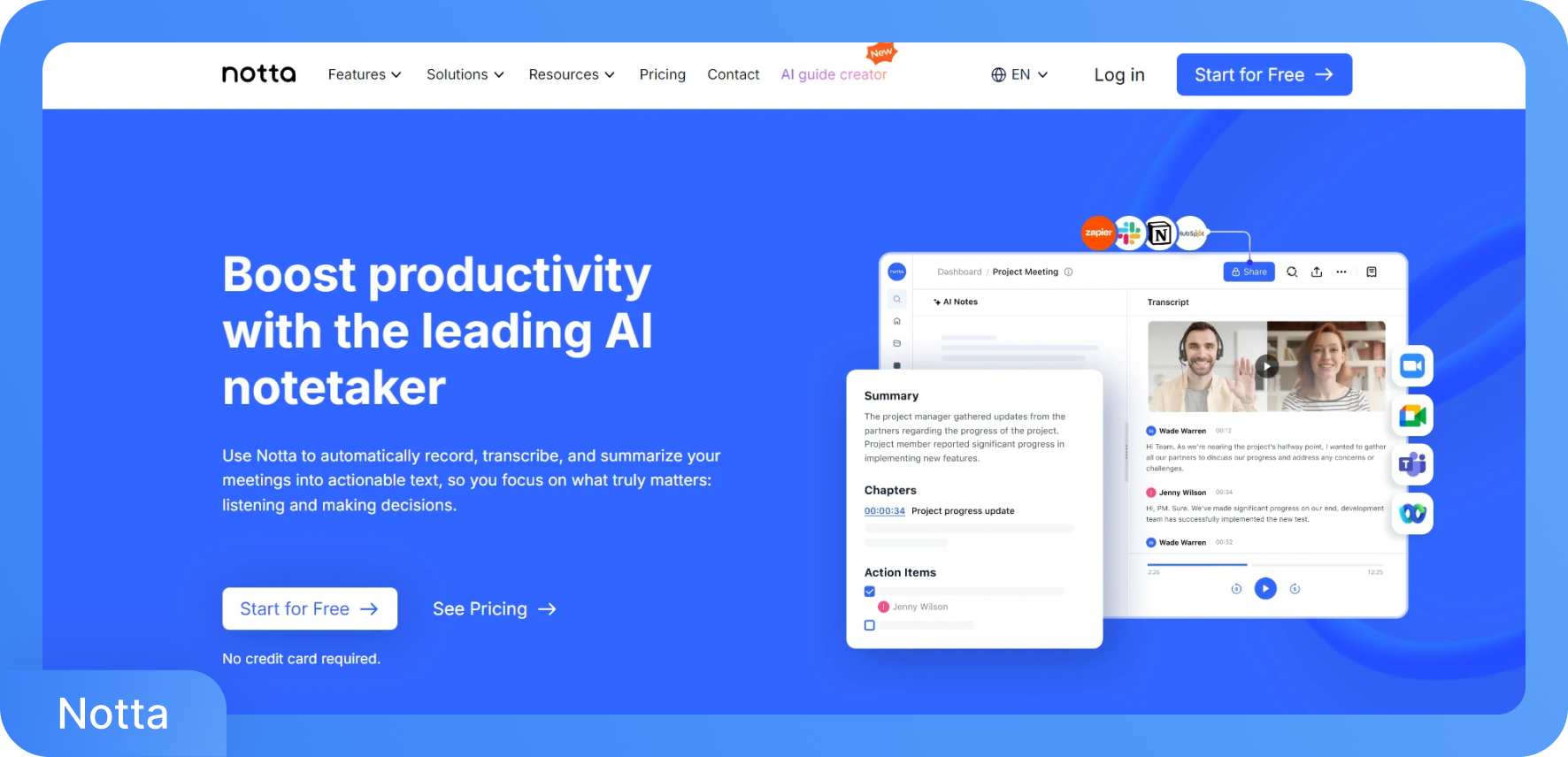
Notta is an AI note taking app with up to 98% accuracy and real-time transcription support in 58+ languages. It integrates with Zoom, Google Meet, Microsoft Teams, and Webex through an AI bot that syncs with your calendar, and it also accepts audio and video file uploads. Beyond transcription, Notta Brain generates AI summaries, converts meeting insights into presentations and infographics, and maintains a searchable meeting library across all recorded sessions.
Key Features of Notta
Real-time transcription in 58+ languages with bilingual transcription available as an add-on for side-by-side language display.
Notta Brain AI generates cross-meeting queries, visual frameworks, and infographics directly from your transcript library.
Searchable meeting archive that lets you find specific words, decisions, or topics across all past recordings instantly.
Allows users to share the transcription via a link and also highlight the key points.
Pricing of Notta
Free
Pro: $13.49/month
Business: $27.99/month
Enterprise: Custom
7. Microsoft Teams
Microsoft Teams includes a built-in AI meeting note taker for Teams through Microsoft 365 Business and Microsoft 365 Enterprise plans. It activates directly inside the Teams client through a simple menu option. It adds live captions and automatic transcription to any scheduled meeting without installing a third-party bot. Teams Premium adds advanced capabilities: Intelligent Meeting Recap, live translated captions and transcripts, and enhanced security controls, including end-to-end encryption and dynamic watermarking.
Key Features of Microsoft Teams
Native transcription is built directly into Teams meetings, requiring no separate app or bot installation for Microsoft 365 users.
Intelligent Meeting Recap (Teams Premium) provides personalized AI-powered summaries and AI notes after every meeting.
Live translated captions and transcripts (Teams Premium) display content in each participant's preferred language in real time.
Admin policy controls let IT teams manage transcription permissions, data retention, and security settings organization-wide.
Microsoft Teams Pricing
Microsoft Teams Essentials: $4/month
Microsoft 365 Business Basic: $6/month
Microsoft 365 Business Standard: $12.50/month
Conclusion
Meeting transcription has moved from a niche tool to a standard part of how professional teams document their work. The seven AI meeting transcription software in this guide cover every use case: from free plans for individual users to enterprise-grade platforms with human-verified accuracy and compliance certifications. For most teams, Transkriptor delivers the best combination of accuracy, language coverage, and affordability across both virtual and in-person meetings. Start with the free trial, test the AI note taking app in a real meeting, and you will have a clear sense of whether it fits your workflow within a day.