AI Transcription for Journalists and Media Teams
Turn interviews, press conferences, podcasts, and newsroom conversations into searchable transcripts, subtitle-ready text, structured summaries, and reusable editorial archives.
 Rated 4.7/5 5/5
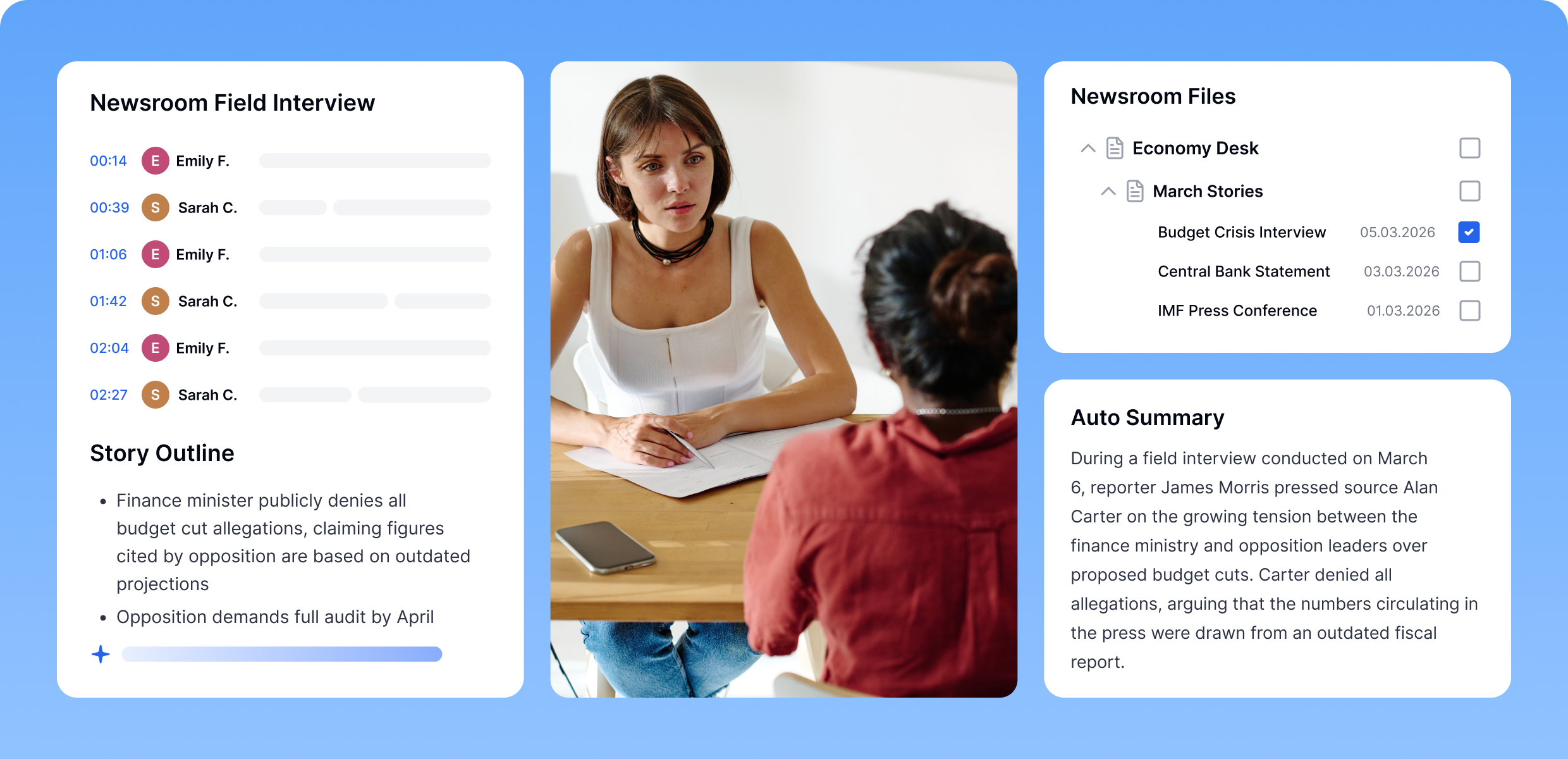
Manage Editorial Content From First Recording to Final Publish
Turn interviews, briefings, and programs into review-ready, searchable content without forcing newsroom or production teams to change how they operate.
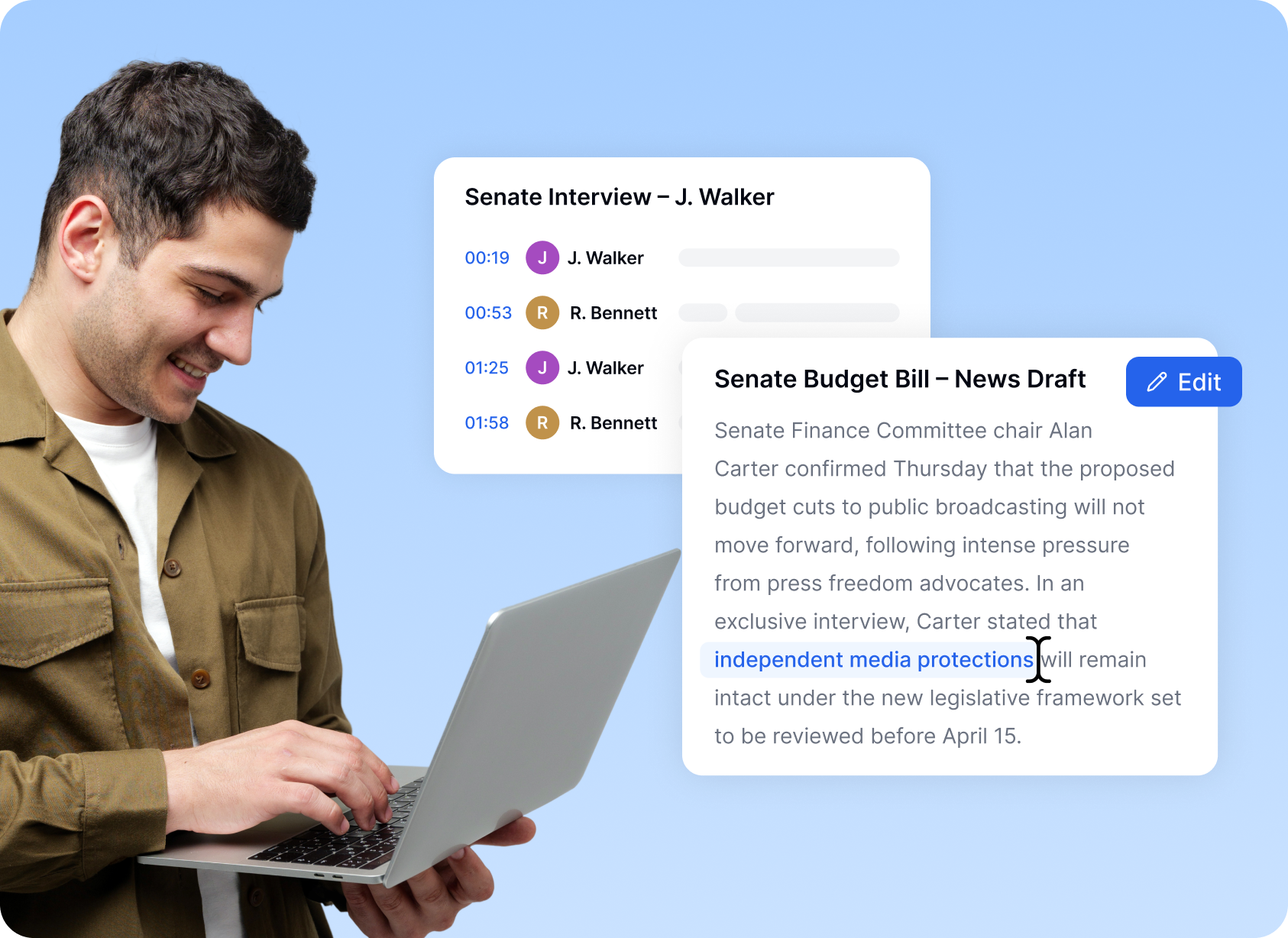
Built for Newsroom, Production, and Digital Publishing Teams
Transkriptor integrates into newsroom, production, and digital publishing environments without disrupting established editorial processes.
Maintain Accuracy
Ensure teams work from verified transcripts, not memory or manual notes.
Speed Publishing Decisions
Review key moments quickly without replaying full recordings.
Preserve Consistency
Maintain a written record across shifts and editorial handovers.
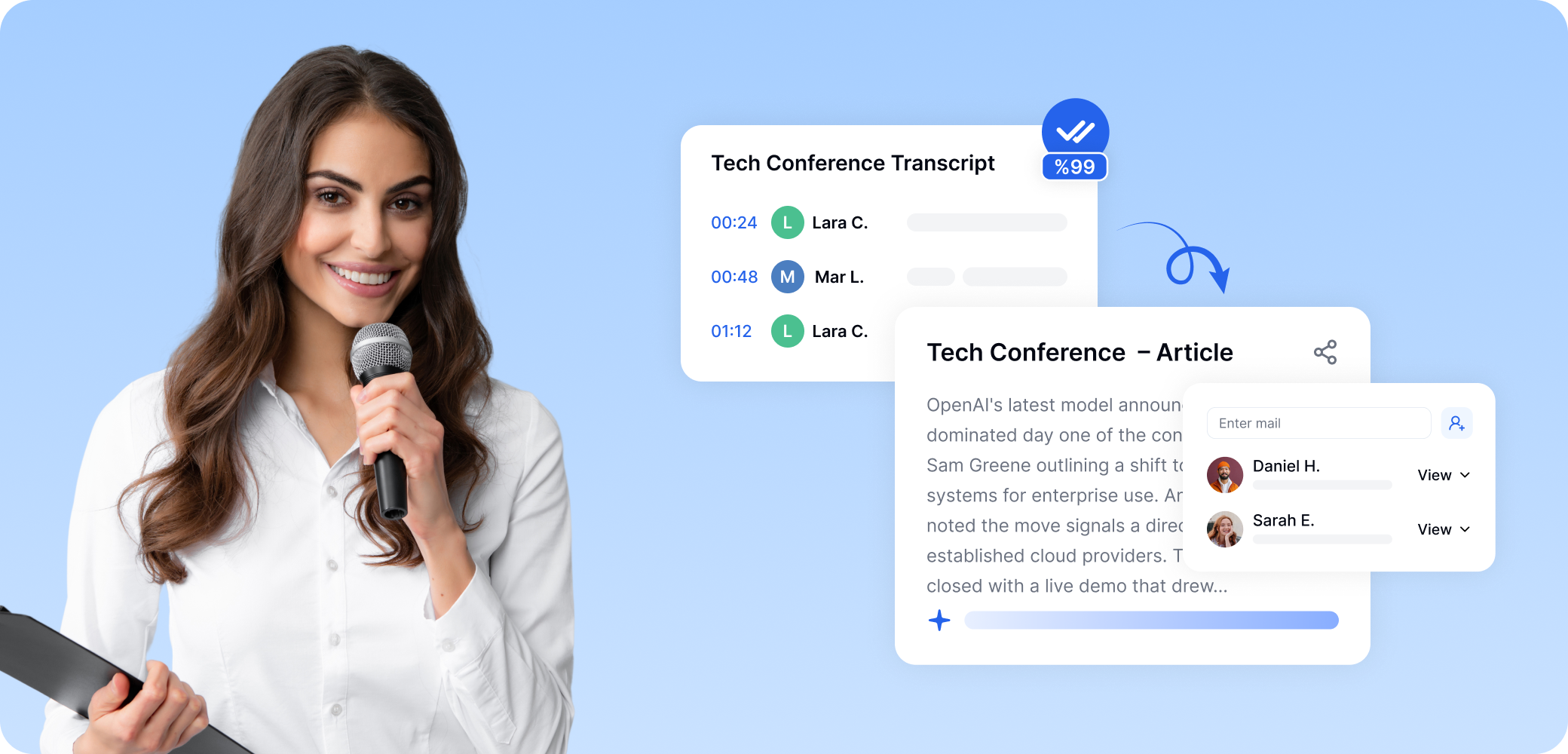
Integrate Into Existing Editorial and Production Tools
Add transcription and subtitle workflows without introducing new silos.



Interviews
Transcribe interviews and discussions from Zoom, Microsoft Teams, and Google Meet.

Storage
Sync transcripts with Google Drive, Dropbox, and internal newsroom repositories.



Collaboration
Automatically send transcripts or summaries to Slack channels or via email
Secure Sensitive Content Before it Goes Public
Transkriptor keeps clinical conversations protected using HIPAA-aligned security, encryption, and granular controls.





Hear it From Our Users
Transkriptor helped our digital teams publish captioned video faster across platforms without changing existing workflows.

Sarah Mitchell
Chief Digital Officer, International News Agency
Frequently Asked Questions
AI transcription for media professionals is a software workflow that converts spoken content from interviews, press conferences, podcasts, newsroom meetings, documentaries, and field recordings into searchable text. It helps journalists, editors, producers, and research teams turn raw audio or video into structured editorial assets such as transcripts, quote libraries, story notes, subtitles, and searchable archives.
AI transcription helps media teams capture spoken language faster, retrieve quotes more accurately, reduce manual note-taking, and improve editorial speed. In a newsroom, podcast studio, documentary workflow, or digital media operation, it supports faster review of interviews, easier verification of claims, quicker extraction of named entities such as people, organizations, locations, and events, and stronger coordination between reporters, editors, video producers, and fact-checkers.
Journalists, editors, newsroom researchers, podcast producers, video editors, documentary teams, broadcasters, YouTube production teams, digital publishers, and media organizations such as newspapers, radio networks, TV channels, and independent editorial studios can all use transcription software. It is especially relevant for teams that work with recurring interviews, expert commentary, breaking news clips, or long-form recorded conversations.
Media transcription software can be used for reporter interviews, press briefings, press conferences, podcasts, editorial meetings, panel discussions, voice notes, documentary footage, YouTube videos, webinar recordings, political speeches, financial commentary, and field reporting. It can also support subtitle and caption workflows for video journalism, social media clips, and multimedia publishing.
Transcription is important because media work depends on speed, accuracy, retrieval, and verification. A searchable transcript preserves the original wording of a source, reduces the risk of quote distortion, improves fact-checking, supports editorial review, and makes historical content reusable. For a newsroom, podcast network, or documentary team, transcription turns spoken content into a retrievable editorial resource rather than a hard-to-review media file.
AI transcription for media is more closely aligned with editorial workflows. It does not only convert audio into text, it supports quote retrieval, source review, archive search, subtitle generation, story development, and newsroom collaboration. For media professionals, the value is not only transcription accuracy, but also how well the system supports editorial predicates such as finding, verifying, comparing, summarizing, clipping, captioning, and publishing spoken content.