Turkish Transcription
Convert Turkish audio, video, and meetings into precise text with advanced Turkish transcription tool. Easily transcribe Turkish audio to read, summarize, and chat with Turkish transcription
 Rated 4.7/5


MP3, WAV, M4A, FLAC, OGG, MP4, MOV, AVI, WEBM
Convert Turkish Speech to Text With 99% Accuracy Instantly
Transcribe Turkish Audio or Video to Text
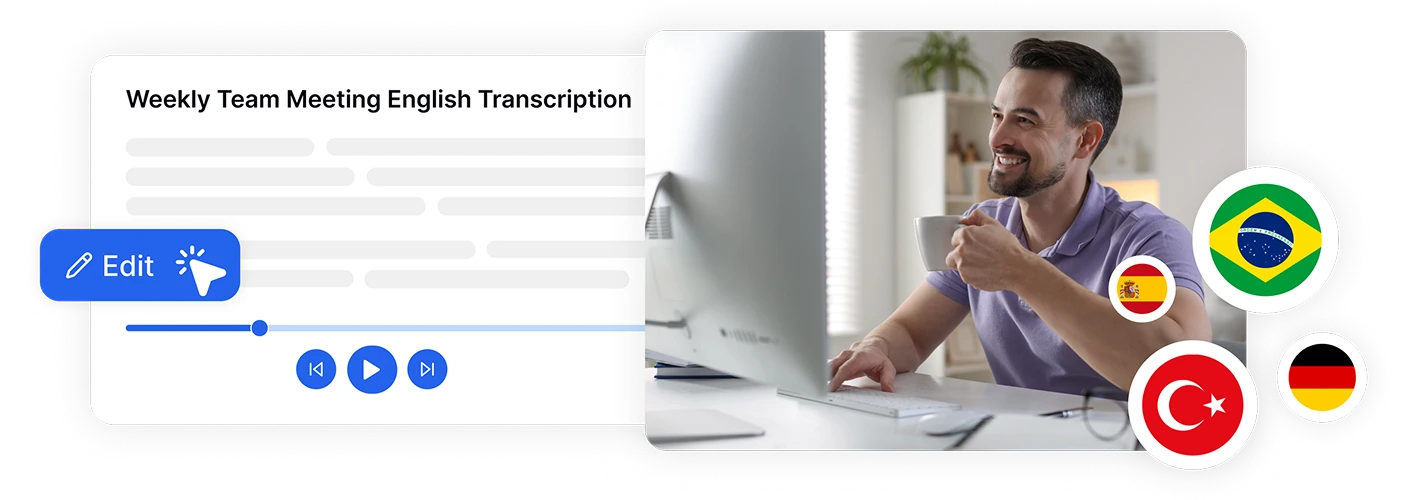
- Effortlessly convert Turkish audio and video files into accurate text with Transkriptor, the best Turkish audio to text converter.
- Transkriptor achieves 99% accuracy in Turkish transcription.
Transcribe Turkish Meetings with AI Note Taker
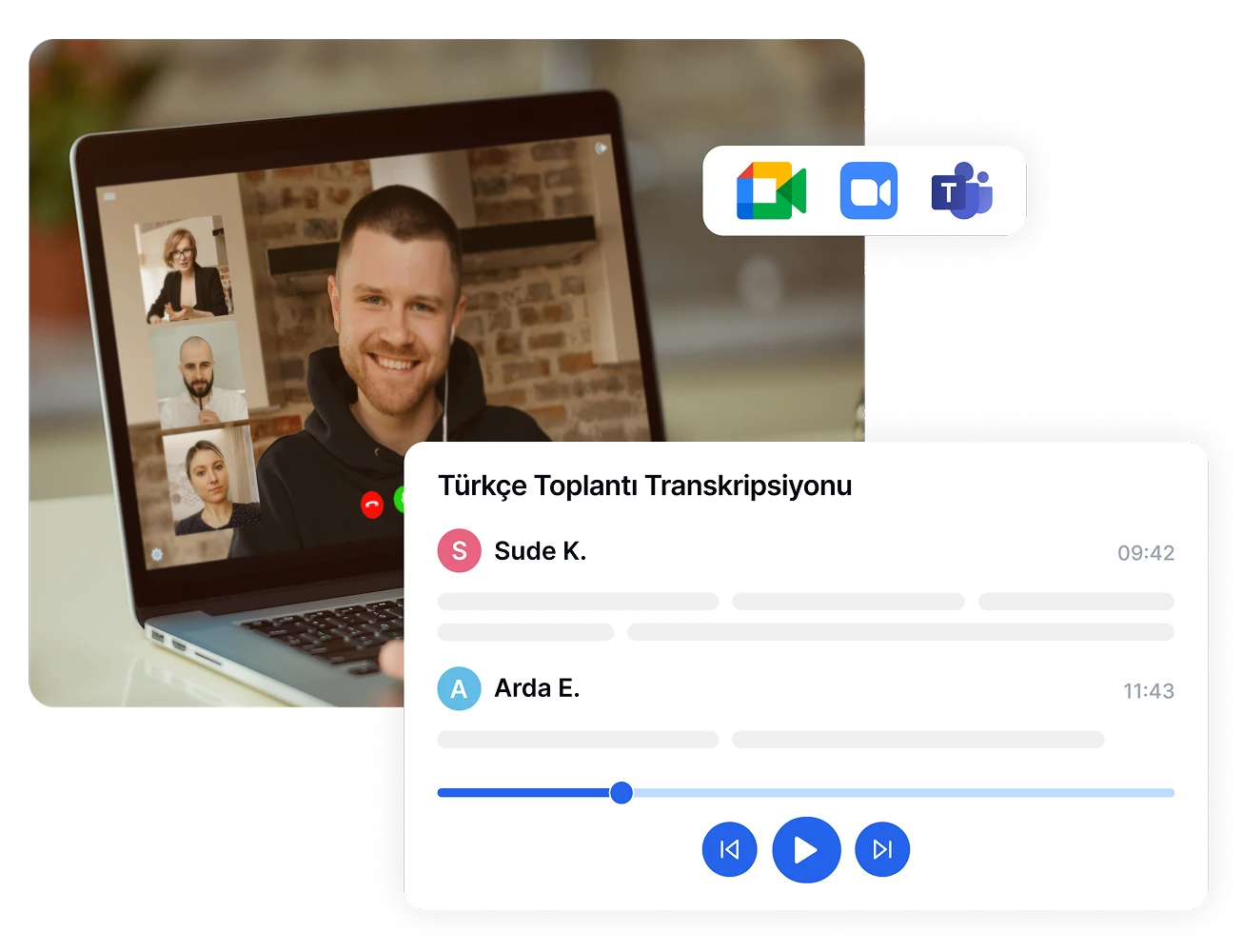
- Instantly capture and transcribe Turkish meetings in Teams, Zoom, or Google Meet sessions by simply integrating your calendar.
- Transkriptor’s Turkish meeting assistant ensures accurate documentation, improving collaboration and productivity.
Record in Turkish and Translate to Any Language
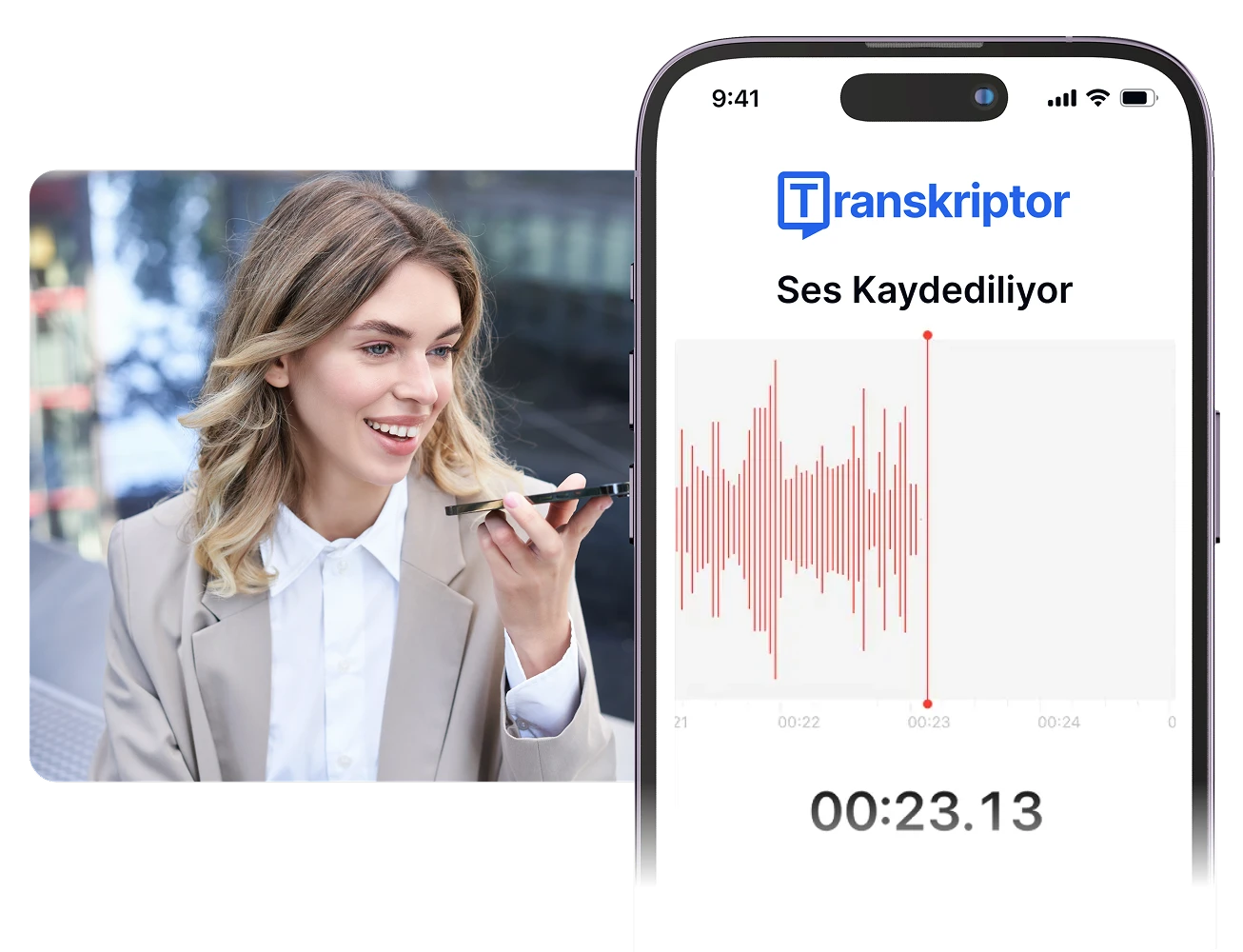
- Capture important moments on the go with Transkriptor’s Turkish voice recorder for notes.
- Record high-quality audio directly in the app and convert it to text instantly.
- Translate Turkish transcript into any language.
Generate Turkish Summaries from Your Transcript
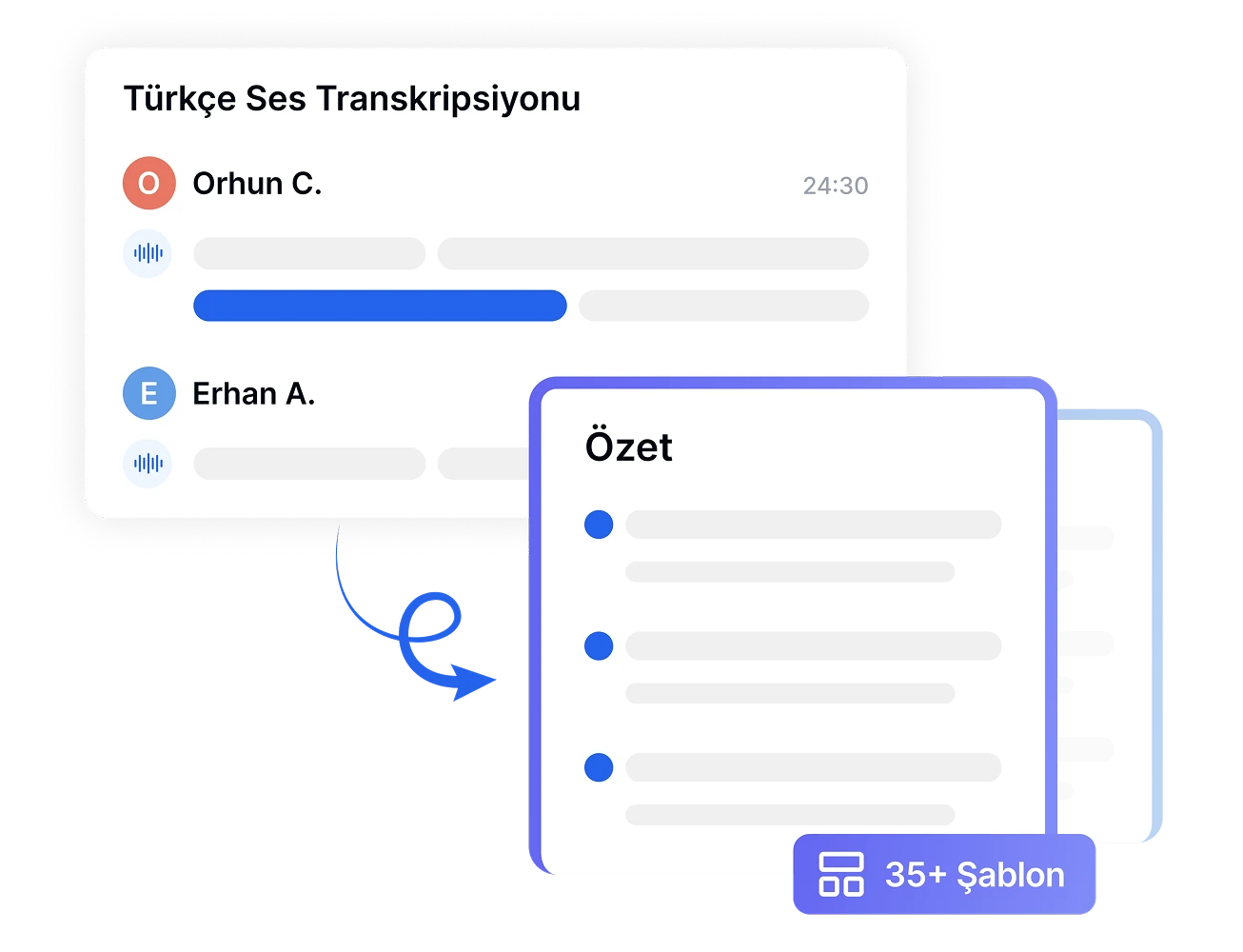
- Summarize your Turkish transcript into concise summaries.
- Ask questions and get answers in Turkish.
How to Transcribe Turkish Audio
- 1STEP 1
Log In or Sign Up
- 2STEP 2
Upload Turkish Audio or Video File
- 3STEP 3
Generate Transcript
- 4STEP 4
Export and Share
Powerful Features for Turkish Transcription
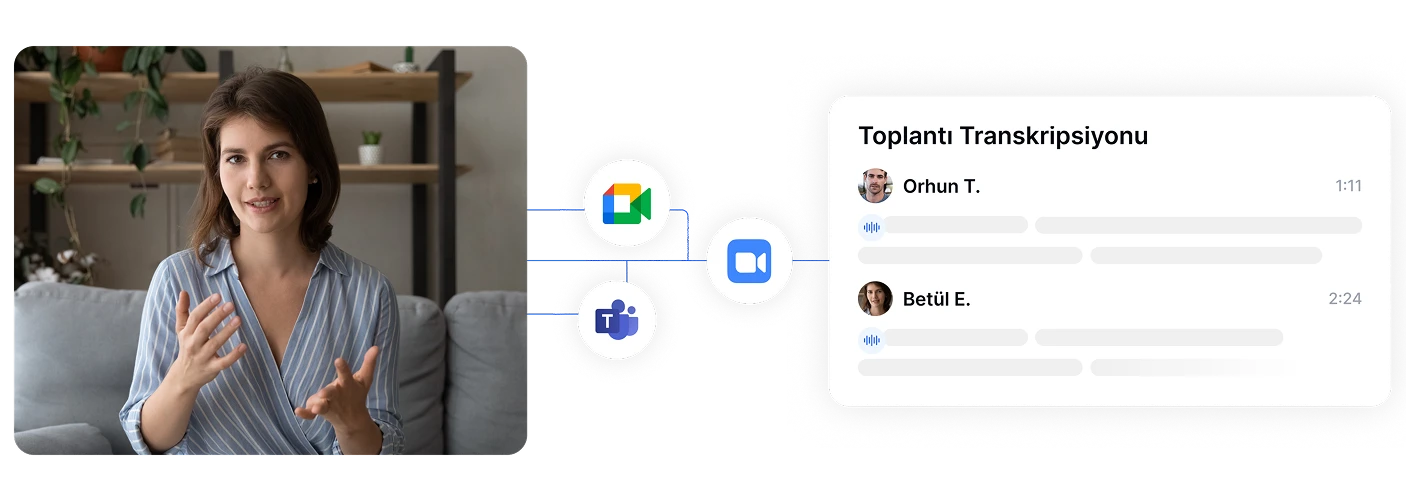
Effortless Turkish Meeting Transcriptions
Never miss a detail in your online meetings. Automatically transcribe Teams, Zoom, or Google Meet sessions by simply sharing the meeting URL. Capture every word with 99% accuracy with our advanced Turkish meeting assistant tool.
Effortless Turkish Meeting Transcriptions
Never miss a detail in your online meetings. Automatically transcribe Teams, Zoom, or Google Meet sessions by simply sharing the meeting URL. Capture every word with 99% accuracy with our advanced Turkish meeting assistant tool.
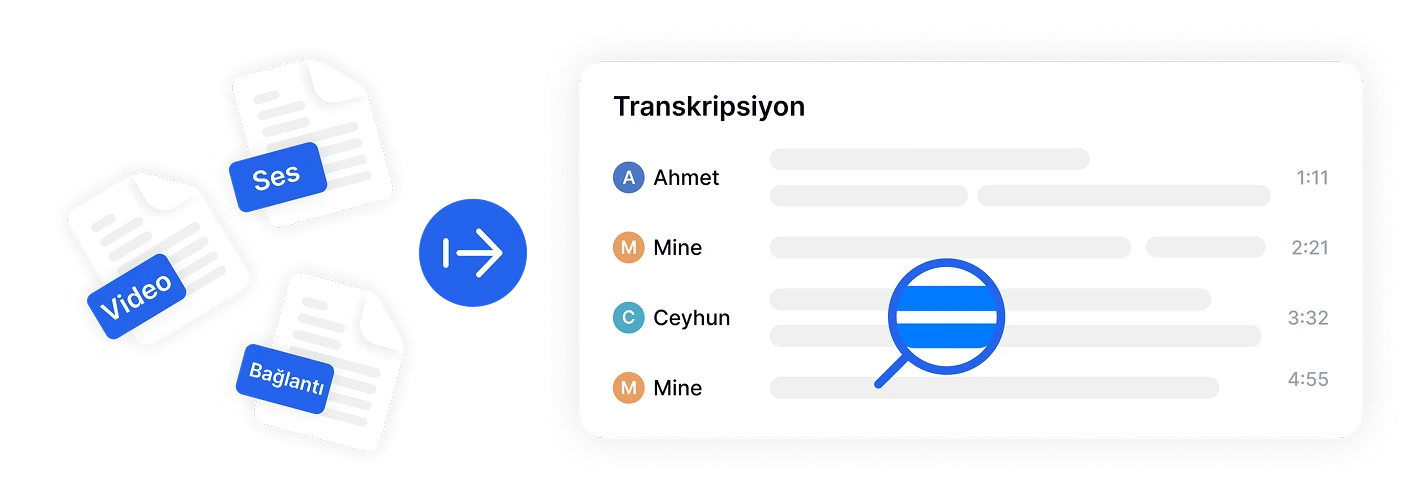
Convert Turkish Audio & Video to Text Instantly
Turn your Turkish audio and video files into precise text with just a few clicks using our efficient Turkish audio-to-text converter. Ideal for journalists, podcasters, and professionals needing fast, reliable transcriptions in Turkish.
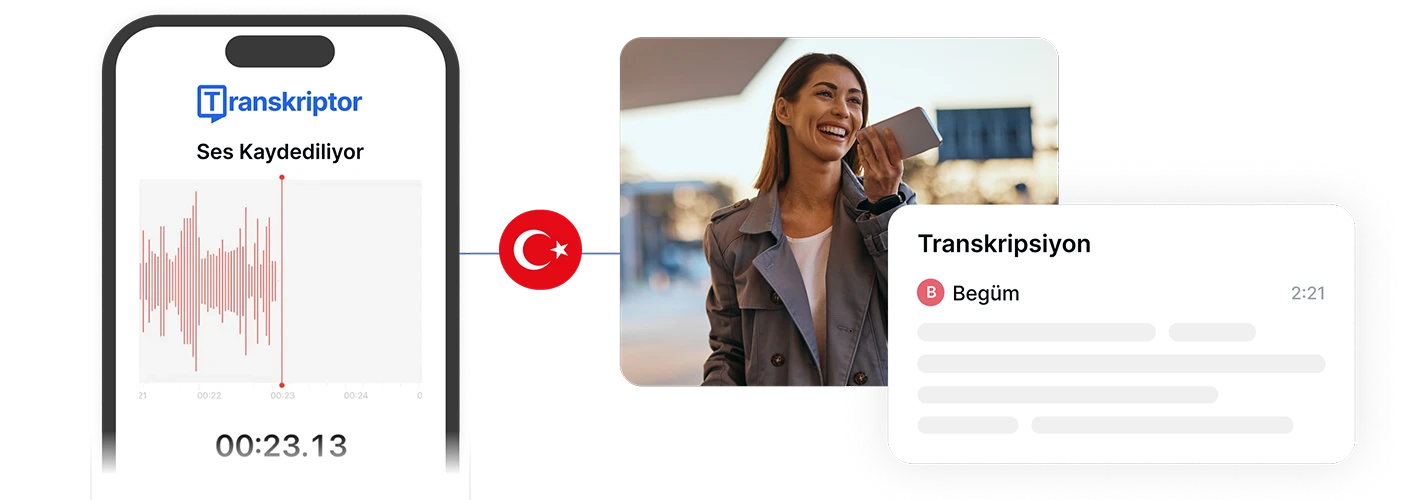
Record & Transcribe On-the-Go in Turkish
Capture high-quality Turkish audio anytime, anywhere—no extra tools required. Record meetings, lectures, or notes directly within the app for seamless transcription and accessibility with our versatile Turkish transcription mobile app.
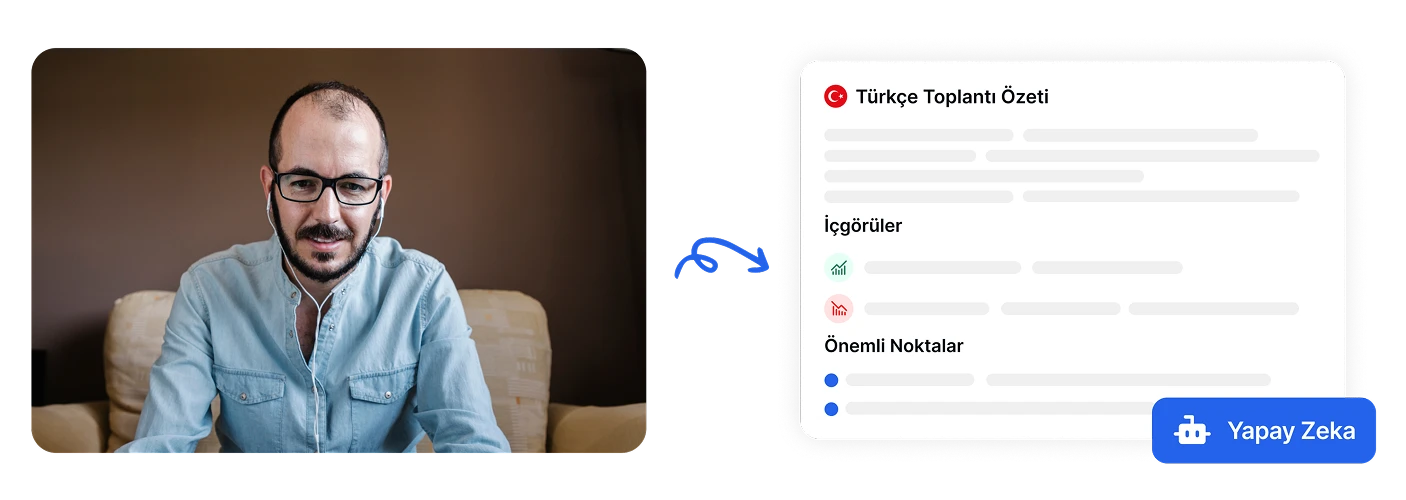
Summarize Turkish Meetings with AI
Save time with smart summaries of your Turkish transcriptions. Instantly get concise overviews of meetings or lectures, helping you focus on key points without reading lengthy transcripts.
Reviews
Efficient and Easy to Use
I was amazed by how easy it was to upload my Turkish audio files and get a transcript within minutes. The interface is clean, simple, and perfect for busy professionals like me.

Amelia R.
Software Engineer, Singapore
Perfect for International Journalism
As a journalist covering international stories, I often work with Turkish interviews. Transkriptor made my workflow so much faster and more accurate than manual transcription. It’s a must-have tool!

Liam T.
Journalist, Spain
Frequently Asked Questions
You can transcribe Turkish audio to text using Transkriptor, which offers a free plan with 30-minute daily transcription. Simply sign up, upload your Turkish audio or video file, and the platform will automatically convert it to editable text within minutes. The free plan allows you to test the 99% accuracy Turkish transcription before committing to a subscription.
Transkriptor is highly rated for Turkish meeting transcription, offering automatic integration with Teams, Zoom, and Google Meet. It achieves 99% accuracy in Turkish, provides speaker identification, generates AI summaries, and allows real-time collaboration. The platform also syncs with Google and Outlook calendars to automatically transcribe scheduled meetings.
Yes, you can automatically transcribe Turkish YouTube videos by pasting the video URL into Transkriptor. The tool extracts and transcribes the Turkish audio content with high accuracy, allowing you to create searchable text, repurpose content, or generate subtitles. This works for any public YouTube video in Turkish language.
AI Turkish transcription with Transkriptor achieves 99% accuracy, which is comparable to professional manual transcription but significantly faster and more cost-effective. While manual transcription may catch some nuanced context, modern AI handles Turkish grammar, pronunciation, and technical terminology effectively, especially with clear audio quality. You can always edit transcripts in the built-in editor for perfect accuracy.
Turkish transcription pricing varies by provider and subscription level. Transkriptor offers tiered plans with monthly minute allocations: Free Plan users get 30 minutes daily, Pro Plan users get 2400 minutes per month without any daily limitation for just 19.99 USD per month. This makes it cost-effective compared to manual transcription services that typically charge per audio minute.
Yes, Transkriptor can transcribe Turkish audio and then translate the transcript to English or over 100 other languages with one click. After the Turkish transcription is complete, you can select your target language from the dashboard and generate a translated version while maintaining the original structure, timestamps, and speaker labels.
Transkriptor automatically identifies and separates multiple speakers in Turkish audio files. The platform labels each speaker and allows you to customize speaker names in the editor. You can also upload voice samples using the Labeled Speakers feature to pre-identify specific speakers, ensuring accurate attribution throughout your Turkish transcript for interviews, meetings, or panel discussions.
Transkriptor offers mobile apps for both iOS and Android that support Turkish transcription. You can record Turkish audio directly from your mobile device, upload existing files, or transcribe content from cloud storage. The mobile app includes voice recording capabilities, instant transcription, and allows you to edit and share Turkish transcripts on the go.