Best tl;dv Alternatives
Explore the best tl;dv alternatives: Transkriptor, Rev, Fireflies.ai, Trint, Happy Scribe, and Sonix. Get an in-depth comparison of language, accuracy, pricing, and AI features to make the right choice for teams, educators, legal, or individual users.

You most likely encountered issues with AI transcript accuracy, speaker identification, or limited note-taking features, which is why you are searching for tl;dv alternatives. Meeting summaries and recordings work well in many cases, yet transcripts sometimes require manual corrections. Inconsistent AI notes and missing crucial details from calls also push you to evaluate other tl;dv competitors.
Several tools on the market address these gaps with higher accuracy and more structured AI summaries. Transkriptor, Fireflies, and Rev are one of the leading tl;dv alternatives for teams that rely on accurate meeting records and detailed insights. Each tool focuses on different strengths, including transcription accuracy, automating meeting intelligence, or AI chat.
For example, Transkriptor focuses on highly accurate transcription for recorded meetings and supports more than 100 languages. Fireflies.ai acts as a meeting assistant that automatically captures conversations and generates searchable notes across collaboration tools. Rev combines AI transcription with optional human review for users who require professional-level accuracy.
Most tl;dv competitors work across modern operating systems through browser dashboards or mobile applications. Windows, macOS, Linux, iOS, and Android are widely supported, along with integrations with Zoom, Google Meet, Microsoft Teams, Slack, and Notion. These tools help teams capture conversations, generate structured summaries, and manage meeting knowledge more effectively.

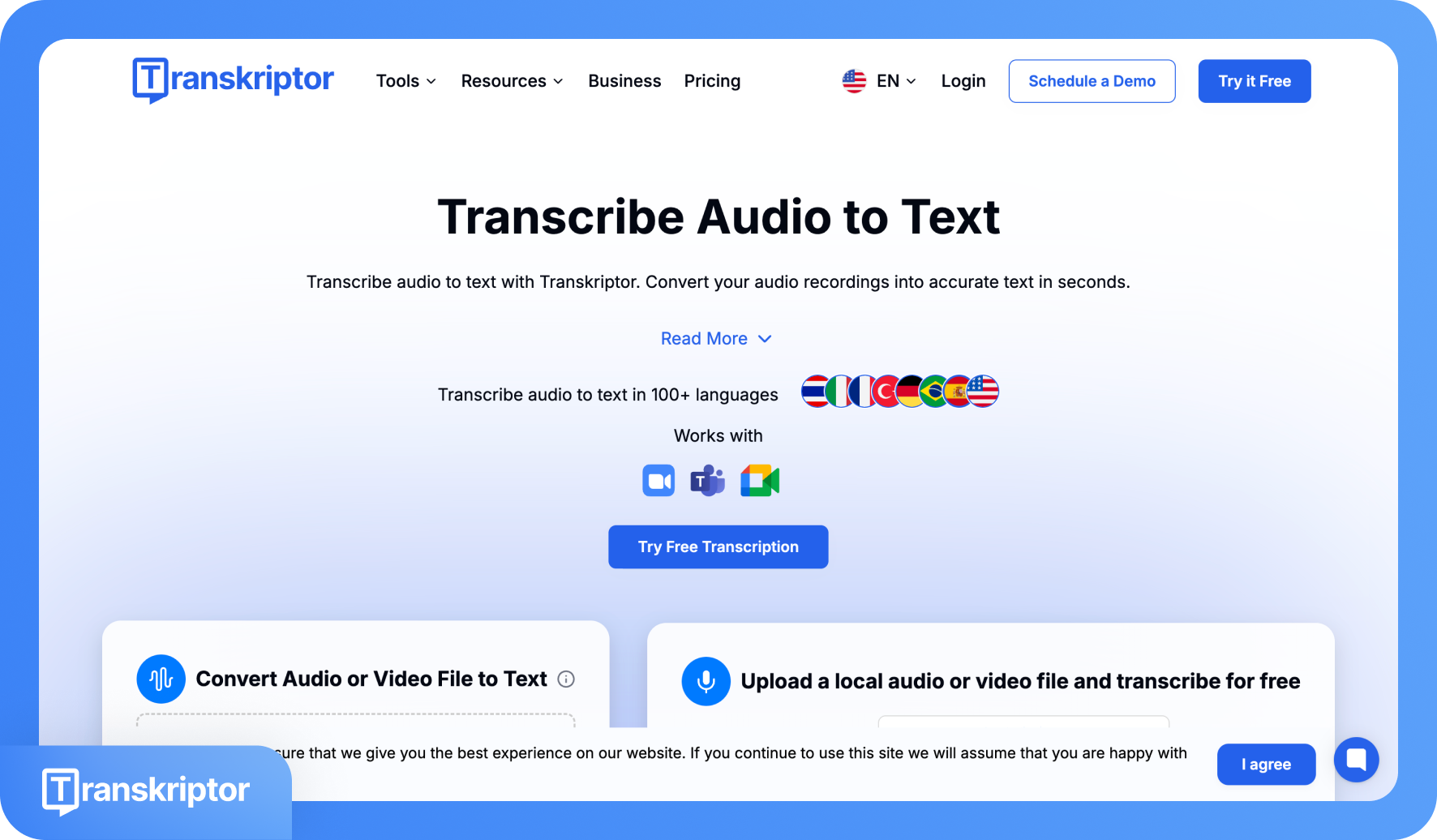
Transkriptor is an AI-powered transcription platform built around one thing: reliably turning audio and video into clean, accurate, editable text at scale. You upload an MP3, MP4, WAV, or similar file directly, or connect through Zoom, Google Meet, and Teams via meeting bots that deliver transcripts automatically afterward.
Beyond raw text, you get AI summaries with customizable templates, speaker-labeled transcripts, action items, and integrations with Salesforce, HubSpot, Slack, Notion, Google Drive, and more, all within shared team workspaces. The fundamental difference between Transkriptor and tl;dv comes down to what each tool is actually designed for.
tl;dv is a meeting intelligence platform that records, transcribes, and layers on sales coaching, CRM sync, and playbook scoring. Transkriptor is transcription-first, meaning the transcript's accuracy is the product, not a gateway to another feature layer. That distinction plays out directly in the numbers: 99% accuracy versus tl;dv's 90%+, and 100+ supported languages versus tl;dv's 30+.
That gap matters most when audio goes beyond clean English regional accents, non-native speakers, technical terminology, or a language that tl;dv simply doesn't support that much. In those situations, tl;dv's transcript accuracy can fluctuate in some cases, while Transkriptor maintains consistently high accuracy. The table below compares the two tools across all core transcription dimensions.
 | tl;dv | |
|---|---|---|
| Transcription Accuracy & Editing | ||
| Accuracy | Up to 99% | ❌ |
| Speaker Identification | ✅ Accurate diarization | ❌ Inconsistent and occasional misattribution |
| Custom Vocabulary | ✅ | ✅Limited |
| Automated Punctuation | ✅ Reliable punctuation | ❌ Sometimes fragments sentences |
| Performance & Language Support | ||
| Speed of Transcription (1-minute file) | Less than 5 minutes | More than 10 minutes |
| Language Support | 100+ languages | 30+ languages |
| Real-Time & Workflow | ||
| Real-time Transcription | ❌ | ❌ |
| Batch Processing | ✅ | ✅ |
Across these seven dimensions, Transkriptor leads in accuracy, language breadth, and custom vocabulary, the three factors that determine whether a transcript is actually usable without heavy manual editing. tl;dv has a genuine edge in speed and real-time display, which holds value for teams whose entire workflow runs through scheduled video calls. For everyone else, especially those handling multilingual content, file-based audio, or specialized terminology, Transkriptor's output quality justifies the comparison.
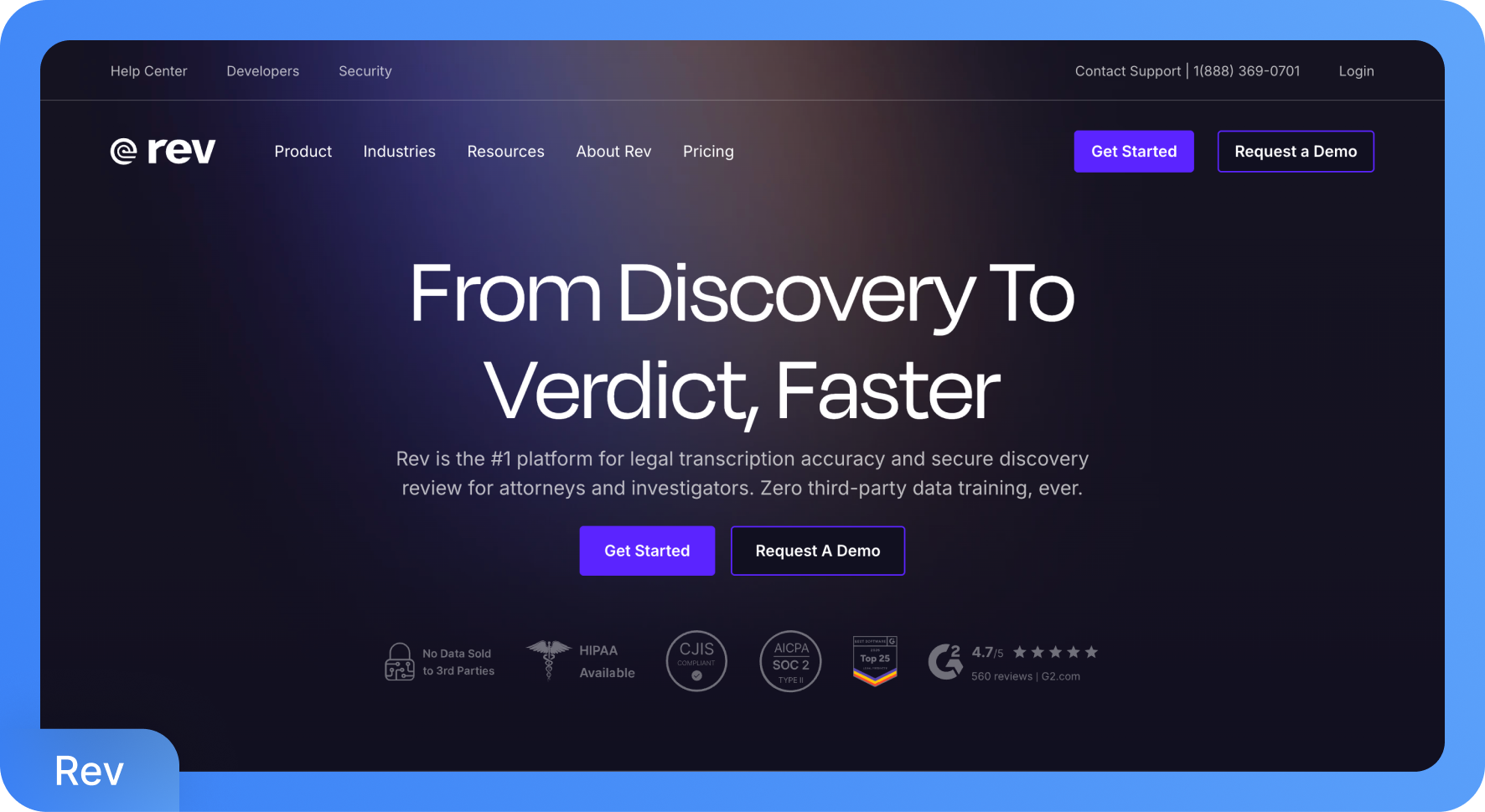
Rev is a transcription platform that combines AI-powered automation with access to professional human transcriptionists. It serves a broad range of use cases, from quick automated drafts to over 99% accurate, human-reviewed documents, with dedicated tools for legal teams, media professionals, and content creators. Rev's AI transcription covers 37+ languages with 96% accuracy.
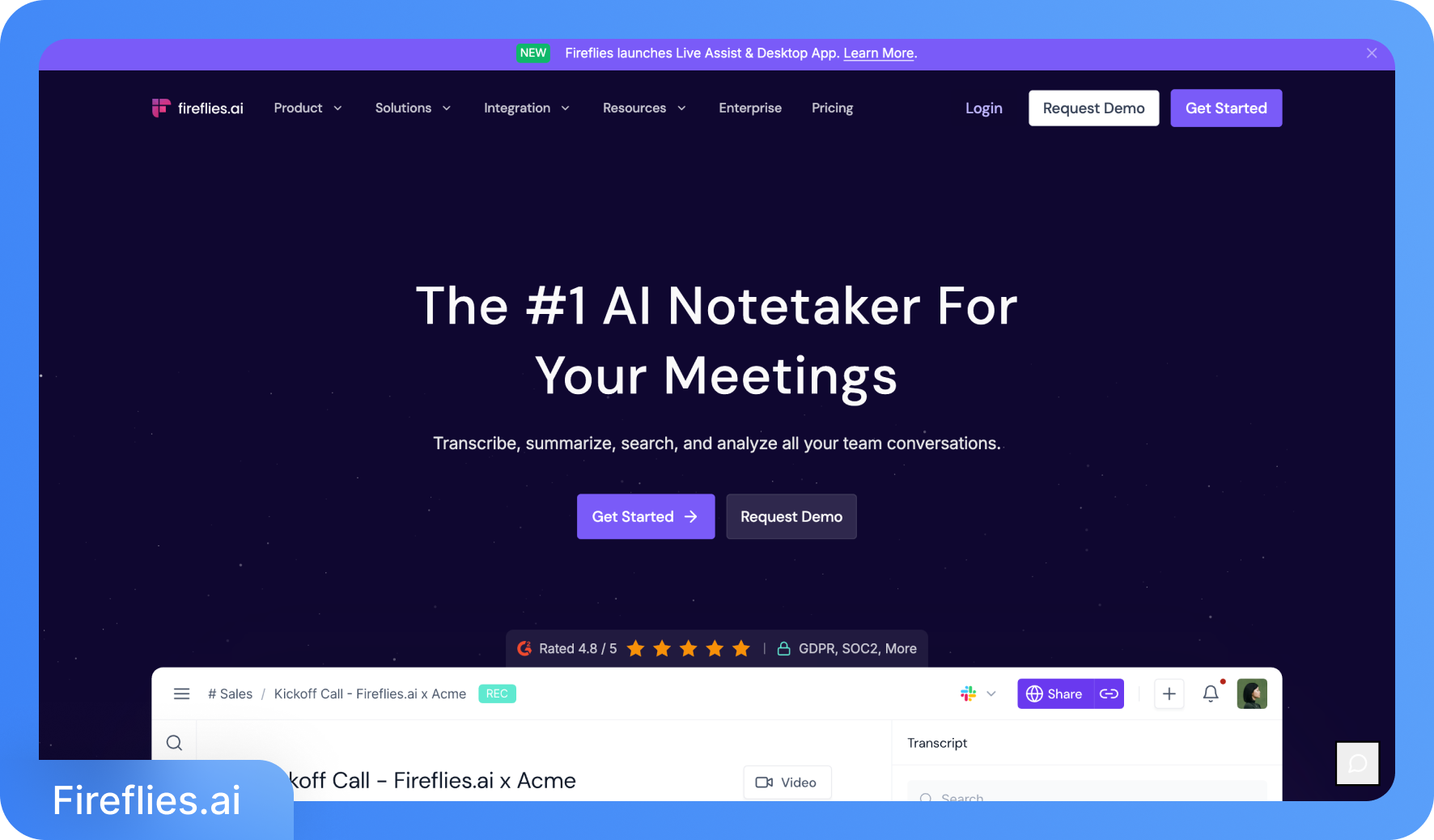
Fireflies.ai is an AI meeting assistant that automatically records, transcribes, and summarizes conversations across Zoom, Google Meet, Microsoft Teams, and more. It delivers 95% transcription accuracy across 100+ languages, with AI-generated summaries, action items, speaker talk-time analytics, and a searchable meeting archive. Its AI assistant Fred lets users query past meetings and surface key moments without scrolling through full transcripts.
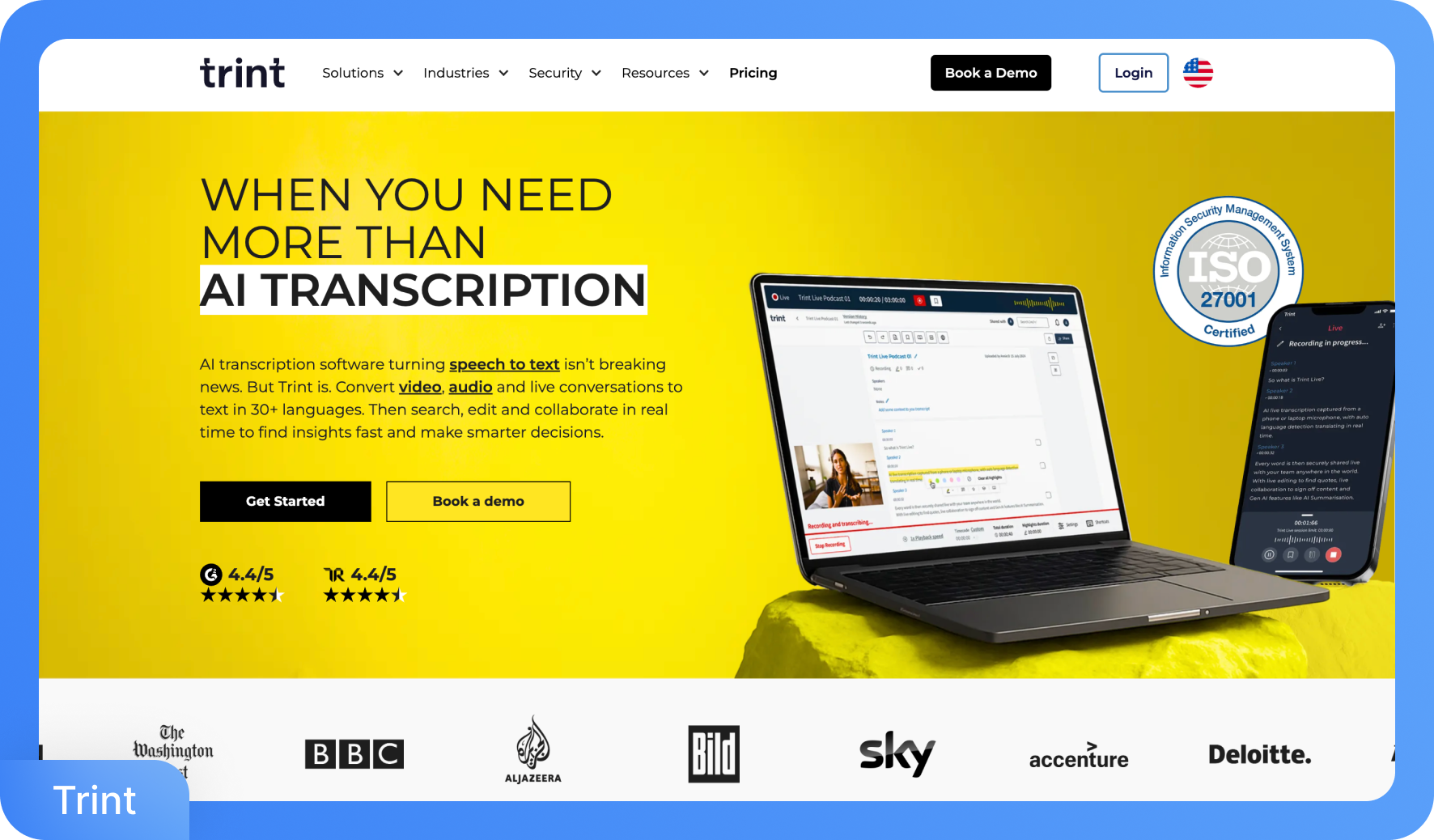
Trint is an AI transcription platform built specifically for media professionals, journalists, and newsroom teams. It converts audio and video files into searchable, editable transcripts across 50+ languages, with translation support in 70+ languages. Its Story Builder feature lets users pull quotes from multiple transcripts and assemble them into article drafts or broadcast outlines, making it a content production tool as much as a transcription one.
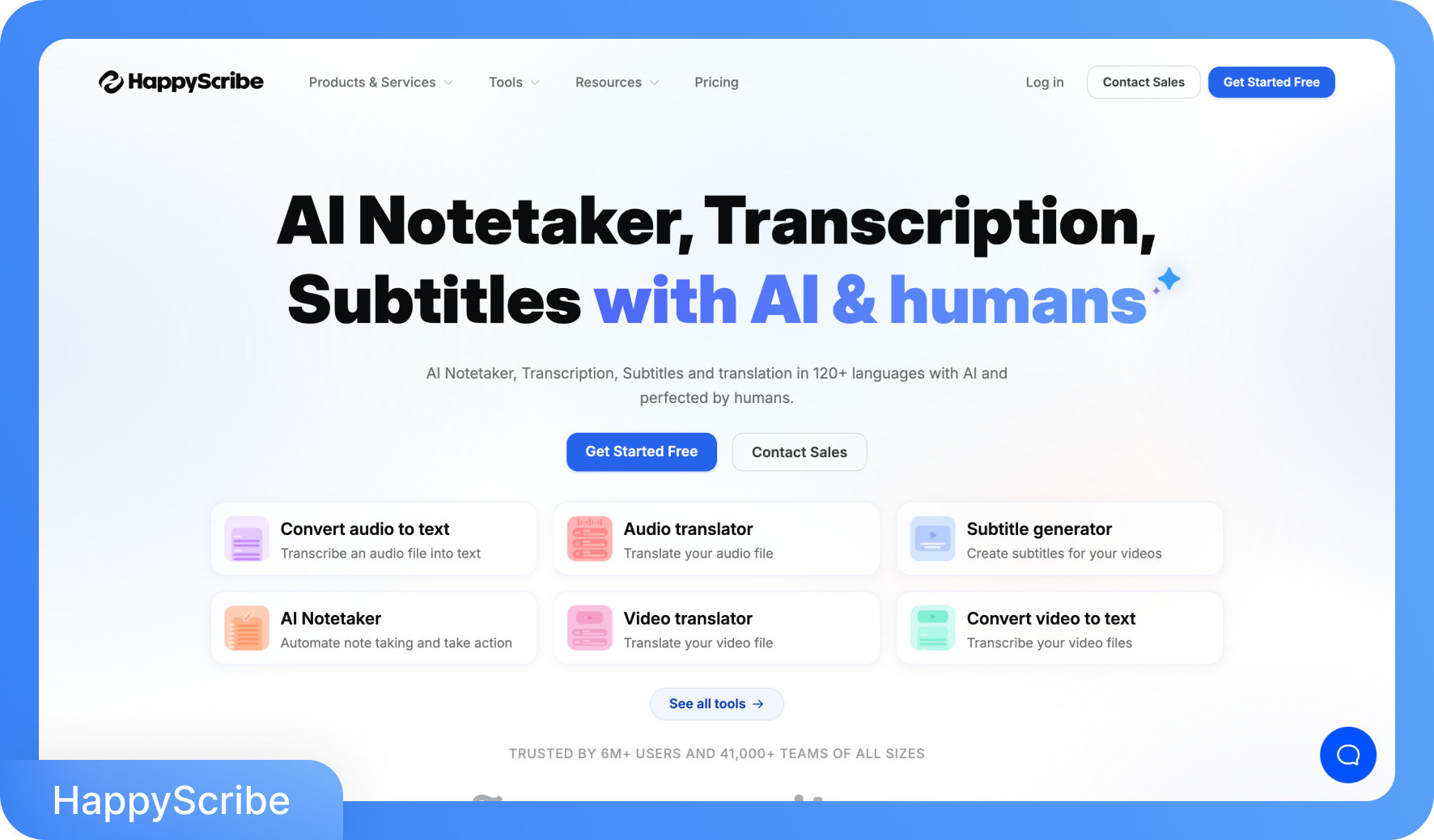
Happy Scribe is an AI transcription and subtitling platform that combines automated speech recognition with access to professional human linguists. It supports transcription across 120+ languages and dialects, translation in 80+ languages, and the generation of AI meeting summaries via a built-in notetaker. Content creators, journalists, researchers, and media teams use Happy Scribe for interview transcripts to multilingual subtitle production in a single workspace.
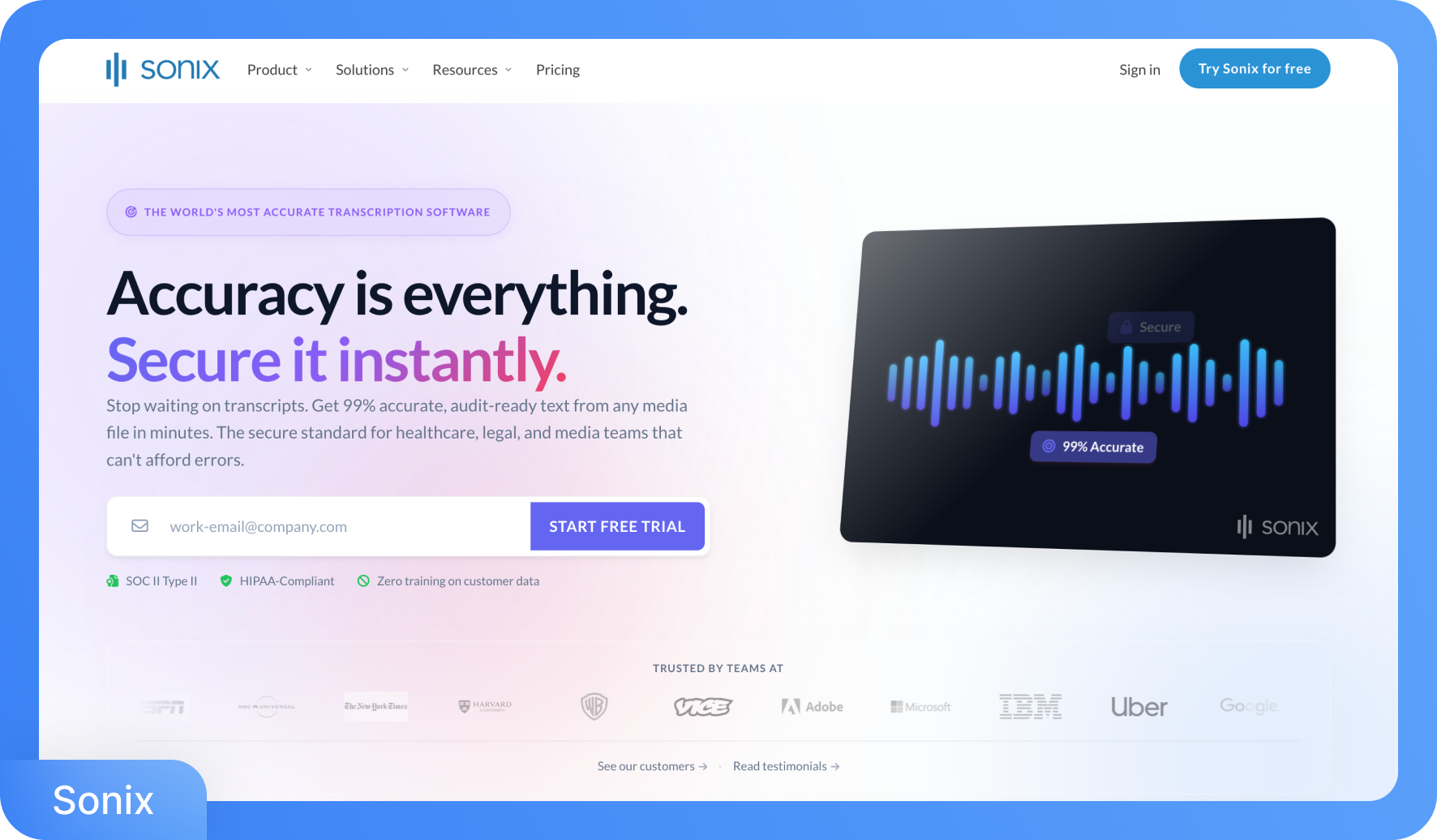
Sonix is an automated transcription, translation, and subtitling platform trusted by over a million users across journalism, research, media production, and legal industries. It transcribes audio and video files across 53+ languages with 99% accuracy. Its word confidence highlighting, which flags low-confidence words in orange, makes the editing review process noticeably faster than scrolling through an unmarked wall of text.
How Do You Choose the Right tl;dv Alternative for Your Needs?
Choosing a tl;dv alternative depends on what your workflow actually requires. tl;dv is built mainly for meeting intelligence, with transcription layered alongside sales coaching, CRM syncing, and call analytics. That makes it effective for revenue teams working inside Zoom, Google Meet, or Microsoft Teams.
However, teams handling interviews, recorded content, research sessions, or multilingual audio often need tools designed for file-based transcription, higher accuracy, or broader language support. Understanding your real priorities makes it easier to identify which alternative fits best.
Steps for Choosing Your tl;dv Alternative
Decide Between Meeting Recording and File-Based Transcription: tl;dv works best inside live meetings on Zoom, Google Meet, and Teams. If your recordings come from podcasts, interviews, lectures, or uploaded audio files, a tool like Transkriptor, which treats file uploads as its primary workflow, is usually more practical.
Check Accuracy Against Your Audio Conditions: tl;dv performs well for structured internal meetings under clean audio conditions. When recordings include strong accents, overlapping speakers, or technical terminology, tools such as Transkriptor or Rev can reduce the time spent editing transcripts before they are usable.
Assess Language Requirements: tl;dv supports around 30 languages, which cover many common business languages. Teams working across global markets may need broader coverage. Platforms like Transkriptor support over 100 languages, enabling companies to process multilingual recordings within a single workflow.
Consider Pricing and Transcription Volume: tl;dv's paid plans are seat-based subscriptions tied to meeting intelligence features. If your team mainly needs transcription output, minute-based pricing or pay-as-you-go models from services like Rev or AI transcription tools can be more cost-efficient.
Evaluate Collaboration and Integrations: tl;dv integrates well with CRM platforms such as Salesforce and HubSpot, which suits sales and customer success teams. For teams working across research, operations, or content production, tools like Fireflies.ai and Transkriptor offer integrations with collaboration tools such as Slack, Notion, and Google Drive.
Look for Features That Match Your Workflow: Different tools solve different problems. Rev offers human-reviewed transcripts for sensitive legal or compliance recordings. Fireflies.ai focuses on automated meeting capture and searchable conversations. Transkriptor adds customizable summaries and multilingual transcript processing for teams managing diverse content types.
The Top Three tl;dv Competitors
Transkriptor stands out for teams that need accurate transcription across many languages and audio sources. Its support for 100+ languages, file-based workflows, and customizable summaries makes it useful for researchers, content teams, and international businesses.
Fireflies.ai is the closest match for organizations focused on meeting automation. It offers automatic meeting capture, searchable transcripts, and strong CRM integrations for teams that rely heavily on recorded meetings.
Rev is often chosen when accuracy is critical. Its human transcription option delivers professional-level transcripts for legal, compliance, and sensitive business recordings where small errors can have serious consequences.
Many teams combine these tools depending on the situation. Transkriptor can handle multilingual or file-based transcription, Fireflies.ai can automate daily meeting capture, and Rev can be reserved for high-stakes recordings that require human review.
Most tl;dv main competitors solve a specific limitation, and selecting the right one depends on whether meeting intelligence, transcription accuracy, or multilingual coverage is the real priority. Even in broader comparisons like tl;dv vs. Premiere Pro, users often choose the tool that best fits their workflow rather than relying on a single platform.
Which tl;dv alternative has the best pricing?
Transkriptor is an alternative to tl;dv in terms of pricing, with plans starting at $9.99/month for 300 minutes. Fireflies.ai's free forever plan and Sonix's $10/hour pay-as-you-go model also compete strongly depending on usage volume and commitment preference.
Which tl;dv alternative is cheaper for heavy transcription users?
Transkriptor's Pro plan covers 2,400 minutes at $19.99/month, making it the most cost-efficient alternative to tl;dv for high-volume transcription. Rev's per-minute pricing becomes expensive at scale. 10 hours of AI transcription costs $150, far exceeding Transkriptor's flat monthly rate.
Which tl;dv alternative offers the best free plan?
Fireflies.ai offers the strongest free plan with unlimited transcription and 800 minutes of storage per seat at $0. Transkriptor's free trial requires no credit card. tl;dv's own free tier includes unlimited recordings but caps AI notes at 10 lifetime uses.
Which tl;dv alternative offers the highest transcription accuracy?
Transkriptor and Sonix both deliver 99% accuracy, outperforming tl;dv's 90%+. Rev's human transcription guarantees 99%+ with professional review. For AI-only accuracy on diverse accents and technical content, Transkriptor is the most reliable alternative to tl;dv in real-world conditions.
Which tl;dv alternative provides the fastest transcription speed?
Speech to text with tl;dv is processed post-meeting, with no real-time output available. Sonix processes 30 minutes of audio in roughly 3 to 4 minutes, making it the fastest AI transcription alternative. Transkriptor processes a 1-hour file in approximately 15 minutes, while Rev's human transcription guarantees a turnaround time of 12 hours.
Which tl;dv alternative supports the most languages?
Speech-to-text with tl;dv is available in 30+ languages, which leaves significant gaps for multilingual teams. Transkriptor leads alternatives with 100+ languages, followed by Happy Scribe at 120+ for transcription and 80+ for translation. Rev supports 37 languages on its AI tier, making Transkriptor and Happy Scribe the strongest options for global workflows.
Which tl;dv alternative has the best automated punctuation?
Transkriptor delivers reliable automated punctuation consistently across all 100+ supported languages, not just English. Sonix and Fireflies.ai also perform well for English content. Speech to text with tl;dv is consistent within its 30+ supported languages, but offers no advantage outside that set.
Which tl;dv alternative is best for advanced editing and cleanup?
Trint's collaborative editor is purpose-built for editorial workflows, letting teams edit, highlight, and build story drafts directly from the transcript. Transkriptor's interactive editor efficiently covers standard corrections. For video-alongside-transcript editing, tl;dv's own clip creation feature remains the strongest in this specific comparison.
Which tl;dv alternative is best for marketing teams?
Fireflies.ai integrates with HubSpot, Slack, Asana, and 200+ tools, making it the most connected alternative to tl;dv for marketing workflows. Transkriptor's customizable summary templates let teams auto-generate content briefs and campaign call reports without manual formatting after each session.
Which tl;dv alternative is best for managing and organizing meetings?
Fireflies.ai organizes meetings into searchable channels with speaker analytics, topic trackers, and sentiment analysis. Transkriptor stores transcripts in shared workspaces with team collaboration and folder organization. Both are more affordable alternatives to tl;dv for non-sales teams that need structured meeting management.
Which tl;dv alternative works best for teachers and educators?
Transkriptor is the strongest fit for educators. It supports lecture uploads in MP3, MP4, and WAV formats, with AI-generated summaries, and its 50% education discount makes it a more accessible alternative to tl;dv than Rev, Trint, or Fireflies.ai for academic budgets.
Which tl;dv alternative is best suited for engineers?
Transkriptor's custom vocabulary feature lets engineering teams add product names, technical terms, and code-related jargon, improving transcript accuracy on technical calls. Speech-to-text with tl;dv is not optimized for specialized terminology, making Transkriptor the more reliable option for engineering workflows that involve domain-specific language.
Which tl;dv alternative is best for personal or individual use?
Sonix's Standard pay-as-you-go plan at $10/hour requires no monthly subscription, making it the most flexible for occasional personal use. Transkriptor's Lite plan at $9.99/month suits individuals with regular transcription needs. Speech-to-text with tl;dv is geared toward team meeting intelligence, making it less practical for solo users on a tight budget.
Which tl;dv alternative integrates better with video conferencing tools?
Fireflies.ai connects natively with Zoom, Google Meet, Teams, Webex, and Aircall, offering the broadest video conferencing coverage as an alternative to tl;dv. Transkriptor's meeting bots support Zoom, Google Meet, and Teams. tl;dv is limited to the same three platforms, giving Fireflies.ai a clear integration advantage.
Which tl;dv alternative syncs better with cloud storage apps?
Transkriptor syncs with Google Drive, OneDrive, and Dropbox, while Happy Scribe integrates with Google Drive, Box, Dropbox, YouTube, and Vimeo. Rev connects with Dropbox automatically. For teams storing content across multiple cloud platforms, Happy Scribe offers the widest native storage integration coverage as an alternative to tl;dv.
Which tl;dv alternative supports API-based transcription better?
Sonix and Rev both offer robust developer APIs for building transcription into custom pipelines. Transkriptor provides API access on paid plans, and Fireflies.ai exposes an API alongside its MCP server for AI tool integrations. Speech-to-text with tl;dv is API-accessible but has more limited developer documentation and flexibility compared to these alternatives.
Which tl;dv alternative is better for automation workflows?
Fireflies.ai connects with 5,000+ apps through Zapier and offers native CRM, ATS, and project management integrations, making it the strongest alternative to tl;dv for automated meeting-to-workflow pipelines. Transkriptor's integrations with Salesforce, HubSpot, Slack, and Trello also enable automated output routing without manual file management.
Which tl;dv alternative is best for students?
Transkriptor is the most practical option for students. Itts Lite plan starts at $9.99/month with a 50% education discount, supports uploading lectures in multiple formats, and automatically generates AI summaries. Fireflies.ai's free forever plan is a solid no-cost starting point for lighter note-taking needs as an alternative to tl;dv.
Which tl;dv alternative is best for teachers and educators?
Transkriptor is the strongest alternative to tl;dv for educators, offering a 50% education discount, lecture file uploads in MP3 and MP4, and auto-generated AI summaries. Speech-to-text with tl;dv is meeting-focused and not optimized for classroom or lecture-based audio.
Which tl;dv alternative works best for journalists?
Trint is built specifically for journalists, with Story Builder letting reporters clip quotes from multiple transcripts into structured article drafts. Rev is a reliable alternative to tl;dv for high-stakes interviews, with 99%+ human transcription accuracy and 12-hour turnaround for publication-ready output.
Which tl;dv alternative is best for business teams?
Fireflies.ai is the most complete alternative to tl;dv for business teams, offering CRM sync, Slack alerts, task creation, and 200+ integrations. Transkriptor's customizable summary templates and shared workspaces also serve cross-functional business teams well without requiring a full meeting intelligence subscription.
Which tl;dv alternative is best for marketers?
Transkriptor is a practical alternative to tl;dv for marketers. Its customizable summary templates auto-generate campaign call reports and content briefs after every recording. Speech-to-text with tl;dv is sales-oriented, making Fireflies.ai and Transkriptor better fits for marketing-specific output and content workflows.
Which tl;dv alternative is best for marketing teams?
Fireflies.ai integrates natively with HubSpot, Asana, and Slack, making it the most connected alternative to tl;dv for marketing team workflows. Transkriptor's shared workspaces and summary templates reduce manual documentation time. Speech-to-text with tl;dv is optimized for revenue teams rather than marketing collaboration.
Which tl;dv alternative is best for podcasters?
Happy Scribe is an alternative to tl;dv for podcasters, supporting 120+ languages with subtitle export in multiple formats, including SRT, VTT, and MP4. Transkriptor handles MP3 and MP4 uploads natively with speaker labels. Speech-to-text with tl;dv is intended for meetings only and is not suited for podcast production.
Which tl;dv alternative is best for engineers or technical teams?
Transkriptor is an alternative to tl;dv for engineering teams. Its custom vocabulary feature lets teams add product names, API terms, and technical jargon that improve accuracy from the first transcript. Speech-to-text with tl;dv is not optimized for specialized terminology, leading to frequent errors on technical calls.
Which tl;dv alternative is best for personal transcription?
Sonix's pay-as-you-go plan at $10/hour requires no monthly commitment, making it the most flexible alternative to tl;dv for personal use. Transkriptor's Lite plan at $9.99/month suits individuals with regular needs. Speech-to-text with tl;dv is built around team meeting intelligence, making it an impractical fit for solo personal transcription.