Speech to Text
Convert your audio or video into accurate, editable text in minutes with transcription software. Upload a file, paste a link, or record live. Transkriptor handles the rest with up to 99% accuracy across 100+ languages.

Upload to convert speech to text
Click to upload and transcribe
Convert speech to text from URL
Trusted by individuals at
Best Audio Transcription Software Transkriptor Reviews and Testimonials
Transkriptor is recognized as one of the best audio transcription software solutions, trusted by thousands of users worldwide. See why people choose us as their best audio transcription tool.
Trustpilot Reviews
Best transcription app
I've been using Transkriptor for the past few days and I've been very impressed with the accuracy of the transcription. Even with longer audio files or noise, the app identifies almost everything correctly. The processing speed is also a strong point — the file is ready in just a few minutes. The interface is simple, you don't need to hunt for functions, and exporting to other formats makes the work much easier. Overall, it's a practical, fast, and reliable tool, ideal for anyone who needs to transform audio into text without any headaches.

Matheus Santos
Best Voice to Text App for Different Meeting Platforms
Transkriptor joins your meetings, records every word, and delivers a labeled transcript after the meeting ends. Works across every major platform your team already uses.
Speech to Text for Microsoft Teams
Transkriptor bot joins Teams calls, records conversations, and provides a speaker-labeled, timestamped transcript. Speech to text for Teams is ideal for project managers, legal teams, and HR. Export in DOCX, TXT, or SRT.
Speech to Text for Different Occupations
From medical notes to legal depositions, creative scripts to student lectures, Transkriptor delivers accurate transcripts for every professional workflow.















 Writers
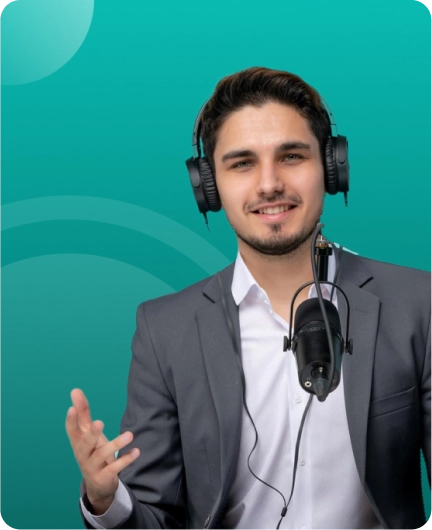
Speech to Text for Writers
Record your draft, upload the recording, and start editing a clean text file instead of a blank page. Transkriptor turns spoken ideas into manuscripts faster than typing from scratch.
- Voice-first drafting
- Clean editor export
- DOCX-ready output
How to Convert Speech to Text?
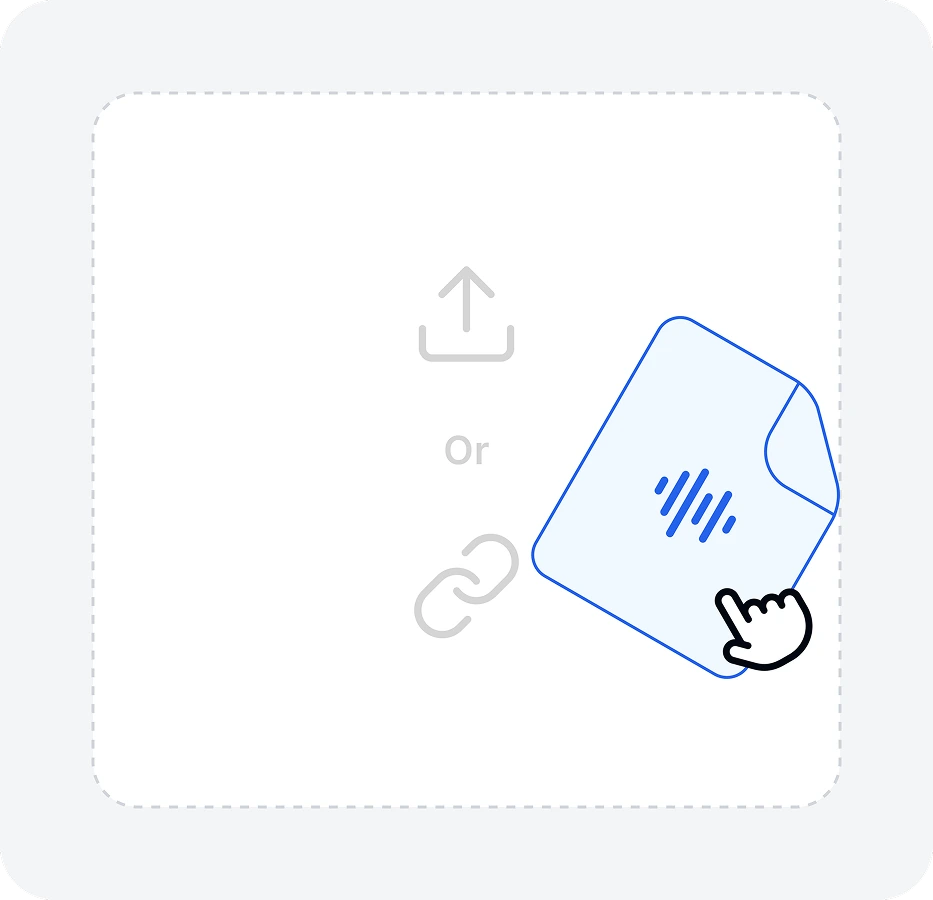
Upload any audio or video file, paste a YouTube or meeting link, or record live in your browser.
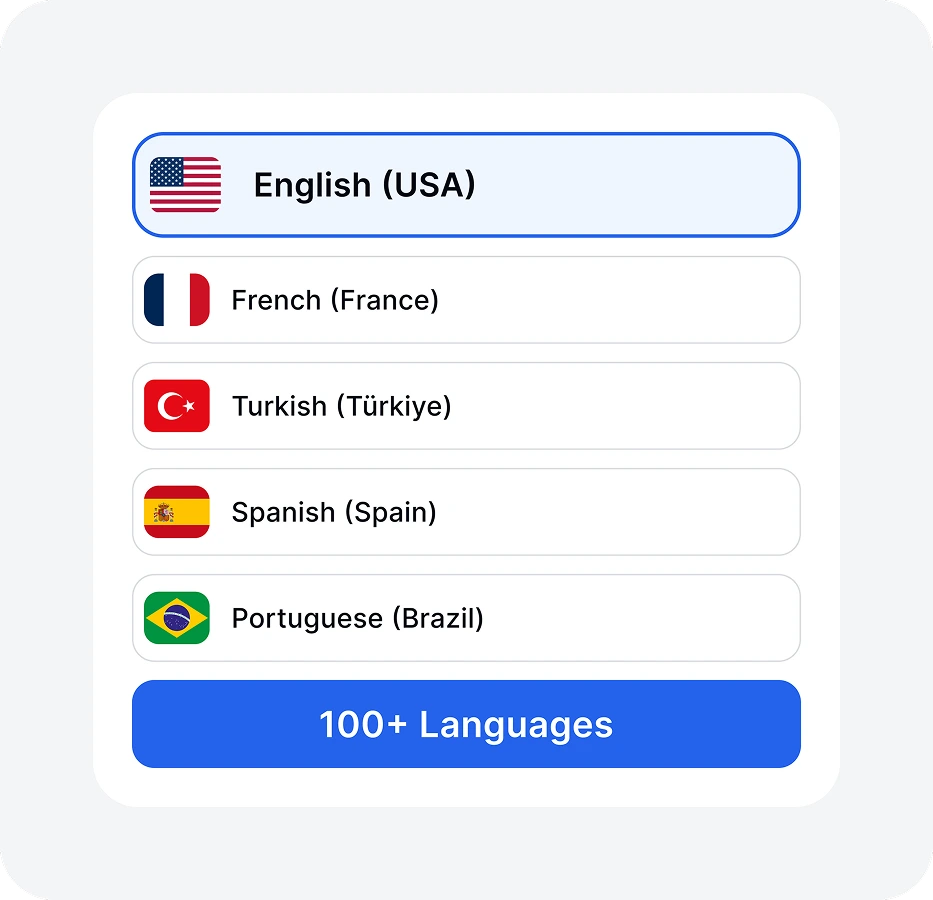
From the drop-down menu, select the transcription language, add specific terms to the dictionary, and click the Transcribe button.
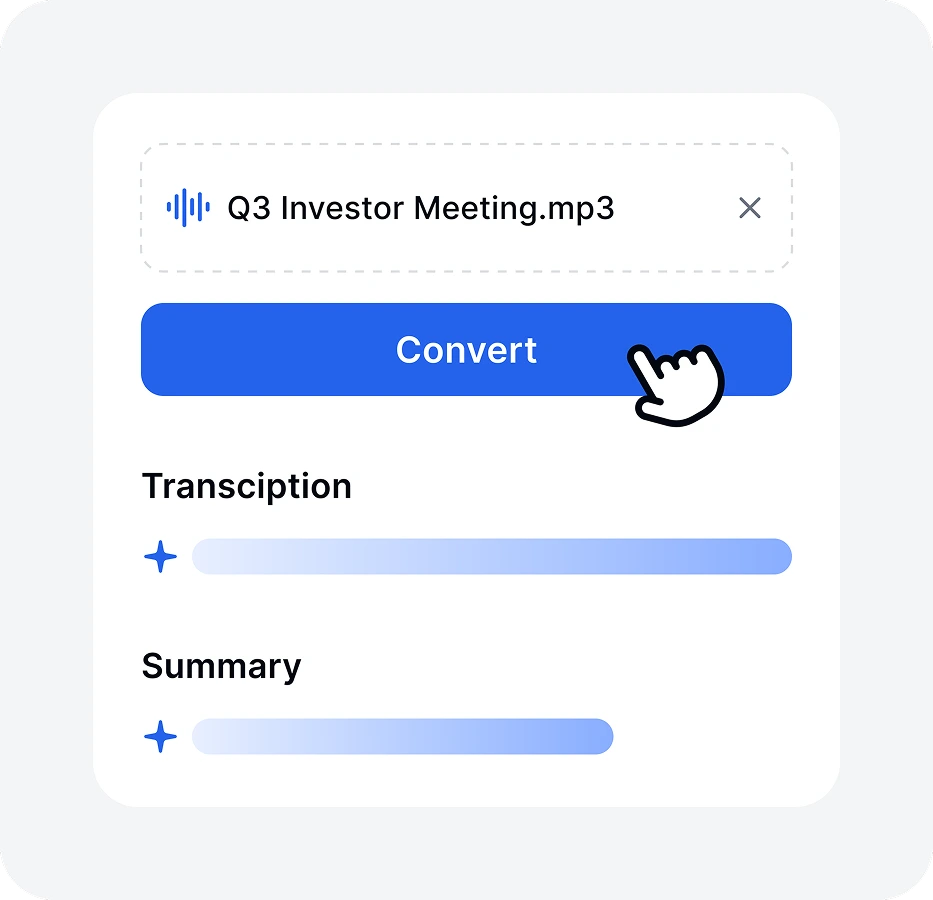
Transkriptor processes the file, detects speakers, and generates a timestamped transcript. One hour of audio takes under five minutes.
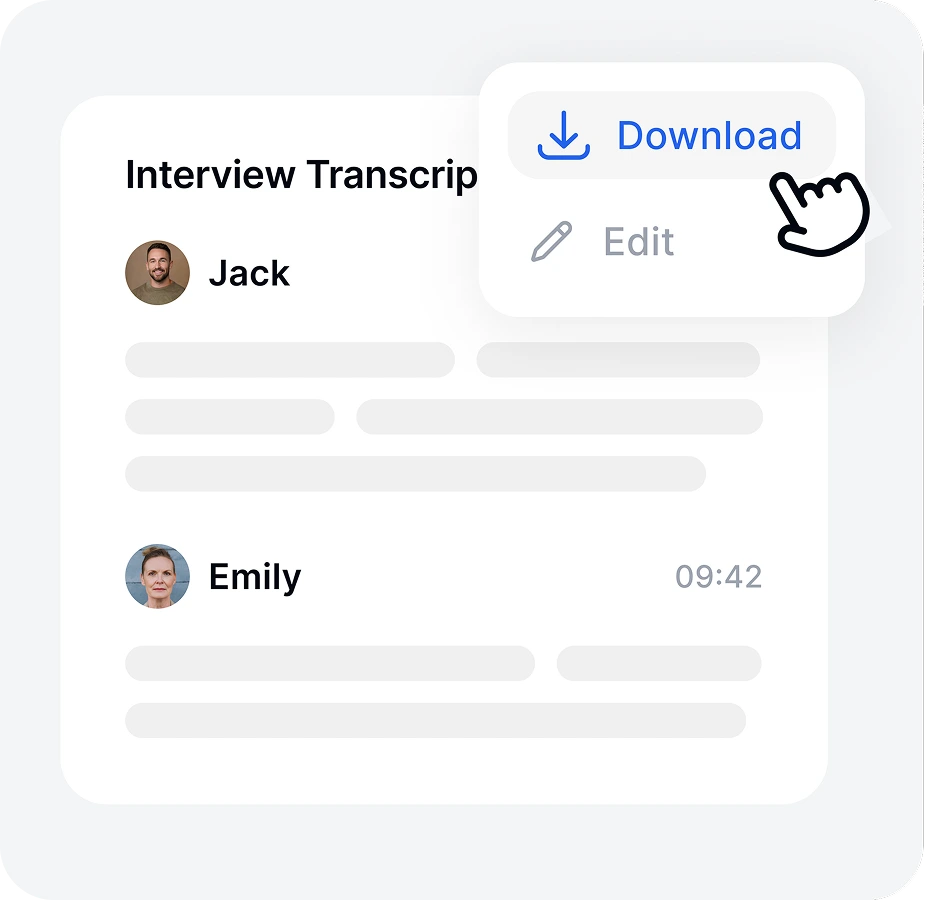
Review and edit in the built-in editor. Export as TXT, DOCX, VTT, or SRT, or share a link directly with your team.
How does Speech to Text Work?
Transkriptor runs your audio through a layered AI pipeline. Here is what happens at each speech to text conversion stage.
Audio Input Capture
Transkriptor accepts uploaded files, microphone recordings, and video files across major formats, including MP3, MP4, WAV, M4A, and AAC.
Speech to Text According to File Formats
Transkriptor handles every common audio and video format. Select your file type to see how the best dictation app works.
Speech to Text for Accessibility and Media Use Cases
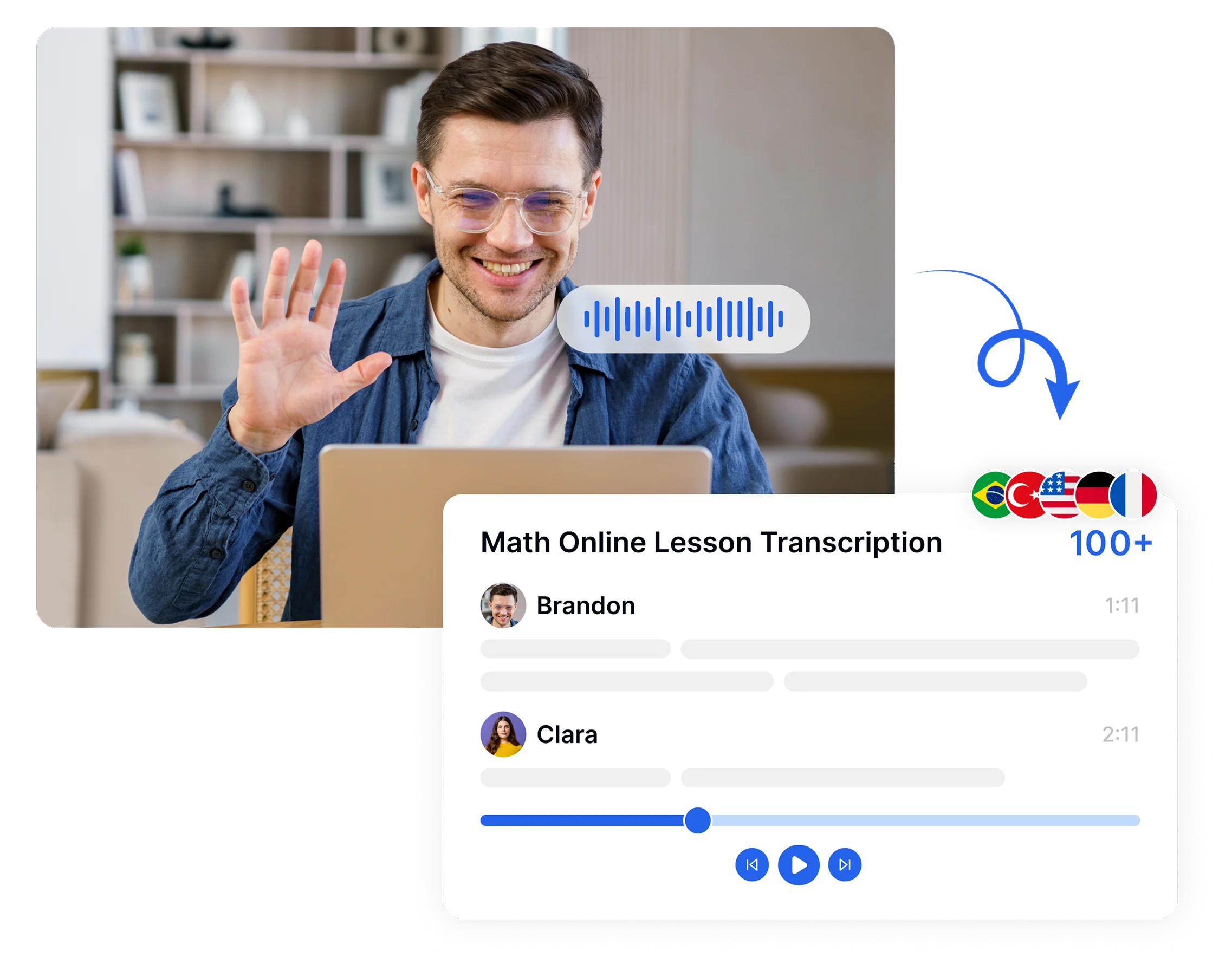
Transkriptor converts audio and video into accurate, readable text, generates subtitle files in SRT and VTT format, and processes content in 100+ languages. Anyone who relies on written text over spoken audio, whether for hearing, reading, or language reasons, gets a functional alternative through Transkriptor's transcription output.
Frequently Asked Questions about Core Speech to Text Software
Speech to text software captures audio input and converts it into written text using automatic speech recognition, acoustic modeling, and language processing. Tools like Transkriptor analyze phonemes, detect speakers, and deliver formatted transcripts. Doctors, lawyers, and writers use Transkriptor to replace manual note-taking with fast, accurate dictation.
Transkriptor is the best speech to text software for accuracy, language coverage, and usability. It delivers up to 99% accuracy across 100+ languages and works as a dictation program for professionals.
Modern automatic speech recognition software reaches up to 99% accuracy under clean recording conditions. Transkriptor consistently hits 99% accuracy across 100+ languages. Heavy background noise or overlapping speakers reduce output quality, but AI-powered dictation transcription software recovers well through noise reduction preprocessing before the transcription engine runs.
Speech recognition identifies spoken commands and speaker intent to trigger system actions, while speech to text converts spoken audio into written, editable documents. The key difference lies in purpose, output, and use cases, with voice assistants on one side and professional transcription tools on the other.
Transkriptor works best on both PC and Mac as a browser-based dictation program requiring no installation. It delivers 99% accuracy, supports all major audio formats, and functions as full voice recognition transcription software across Windows, macOS, Chrome, and any modern browser environment.
High-quality speech to text software combines accuracy, speed, and flexibility to handle real-world transcription needs. It delivers over 95% accuracy with automatic speech recognition, separates speakers, supports multiple languages, works on mobile devices, and offers export options, such as TXT, DOCX, and SRT formats.